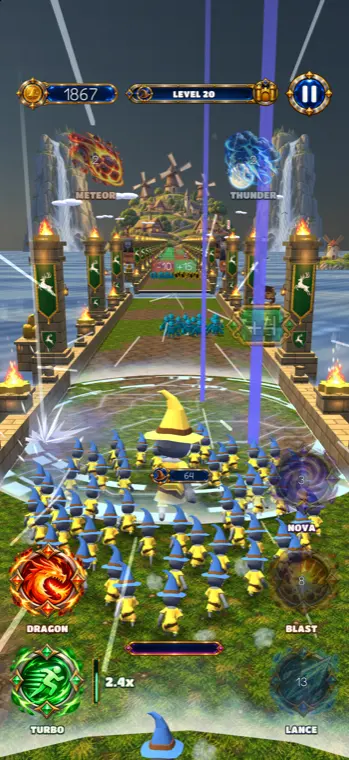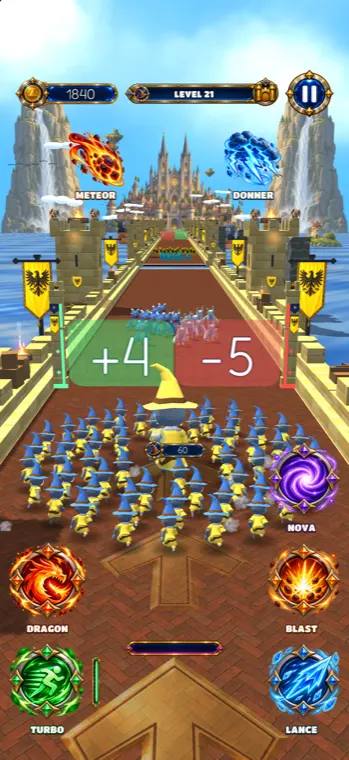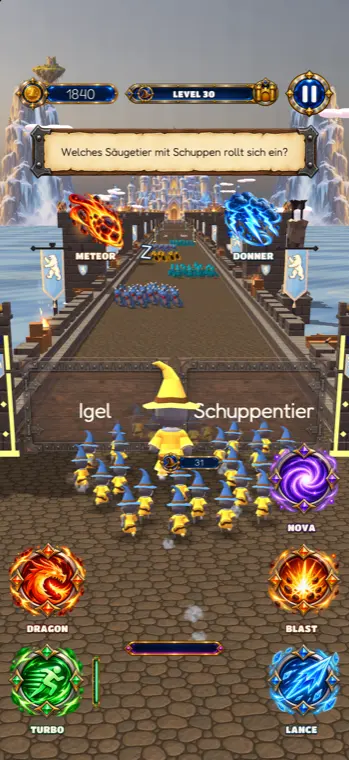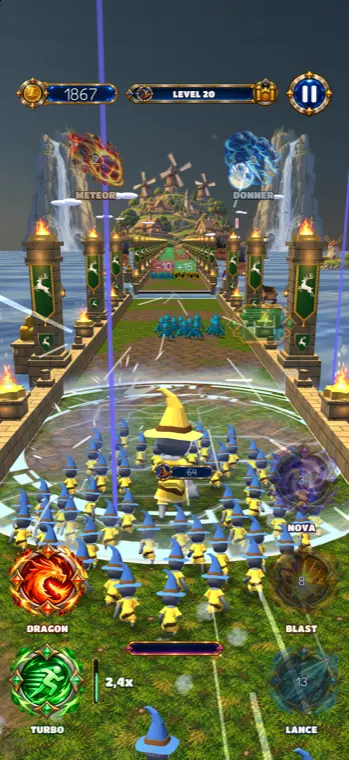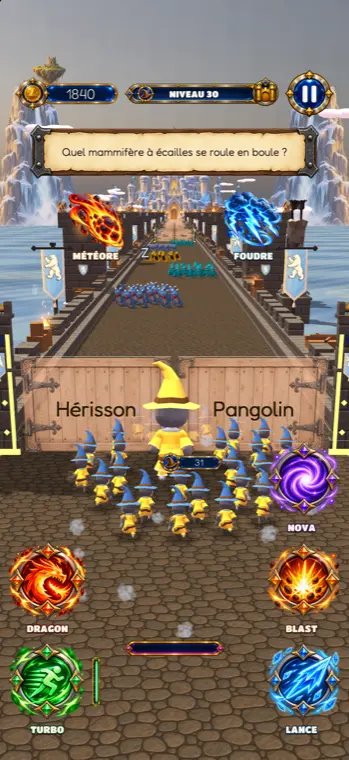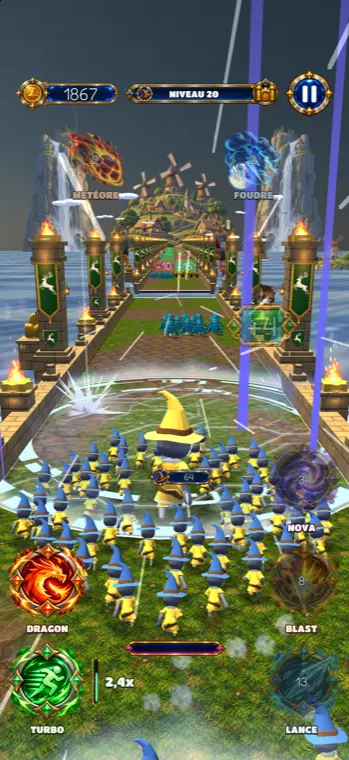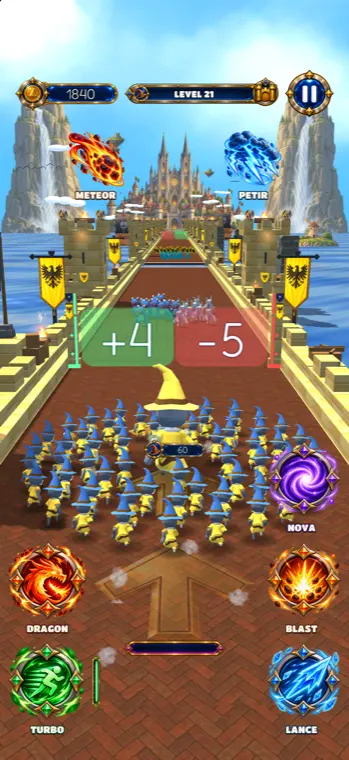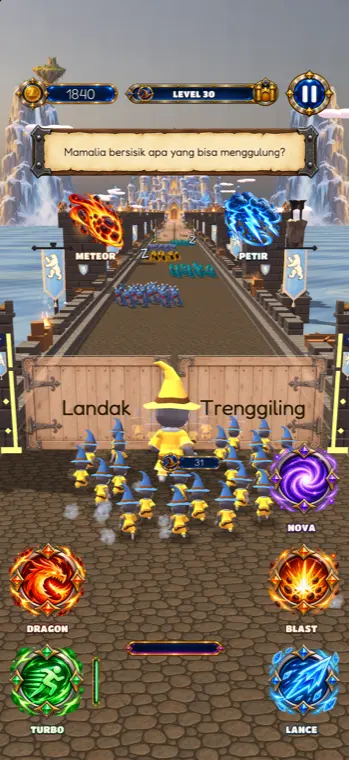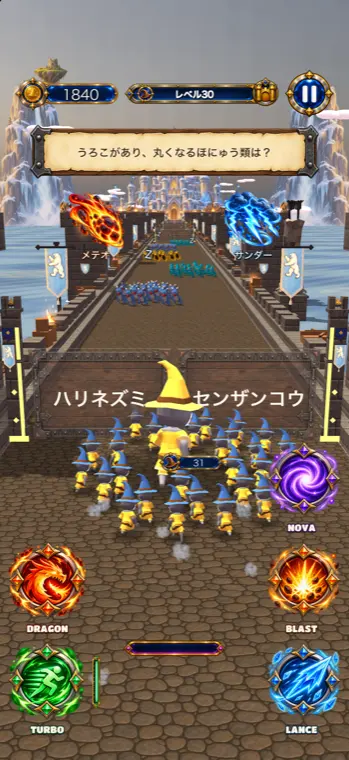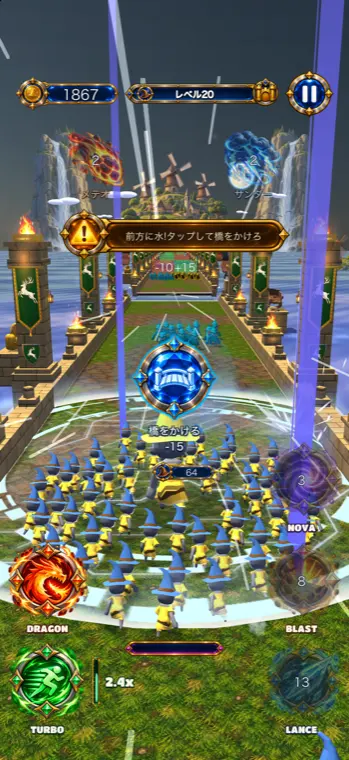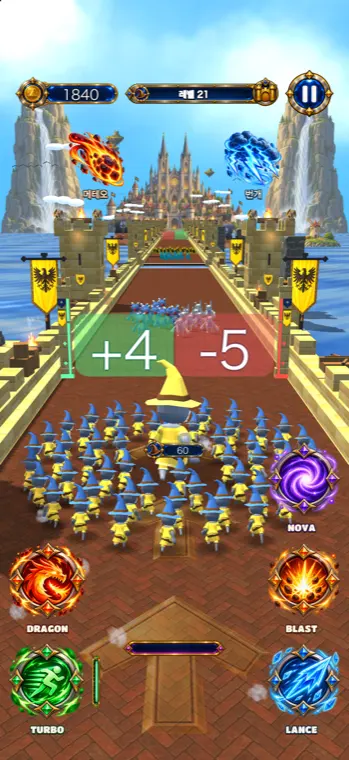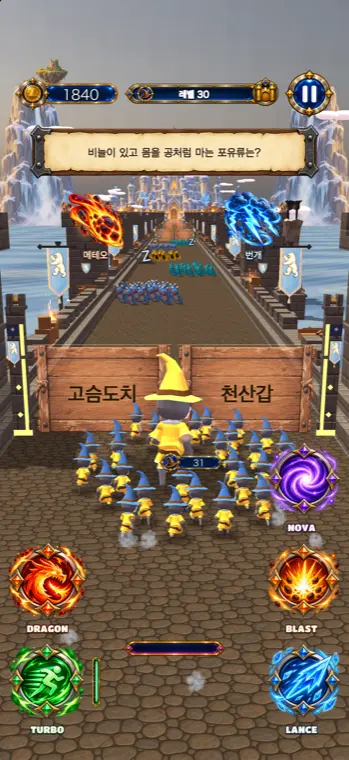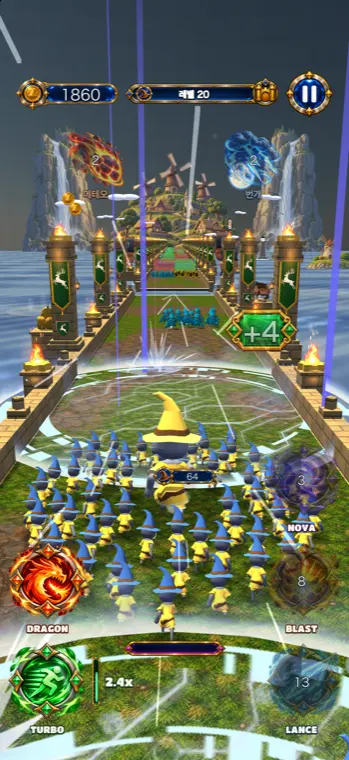
← All work

Product design case study · iOS game

Wizard’s Mob Run

A one-finger crowd runner with trivia, for kids and grown-ups on iPhone and iPad. Steer a growing mob of wizards across a bridge, take the right gates, answer questions, cast spells and beat the boss. I designed and released the game on my own.

  • Available in 173 countries
  • 10 languages
  • 4 game modes
  • 300 levels
  • 600 unique maps
  • 113 3D models
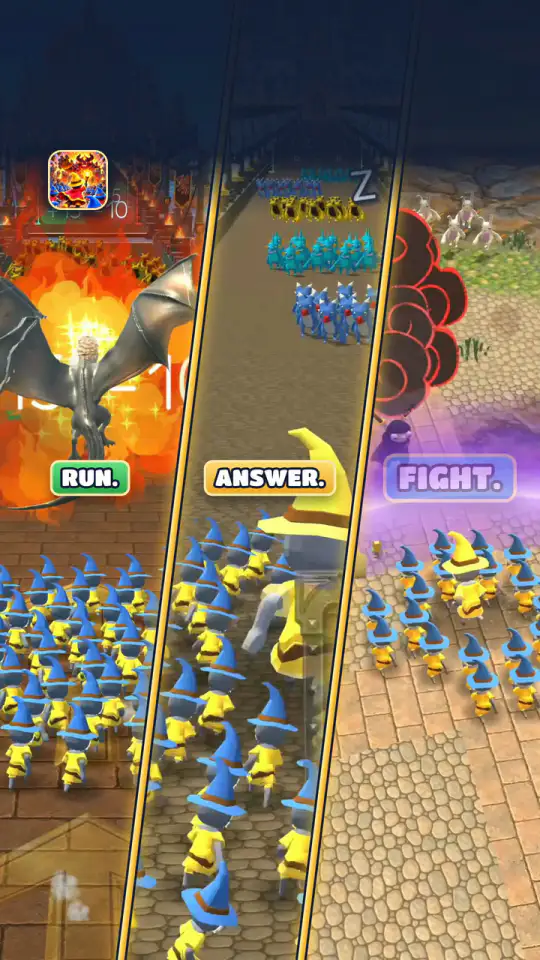
A 15-second vertical ad with music and sound effects. The screen splits into three lanes labelled Run, Answer and Fight. A trivia question appears, the crowd of wizards runs through the right answer, then an arena wave, a boss and the words 100 levels, the Campaign count, follow. It ends on the game icon with an App Store badge.
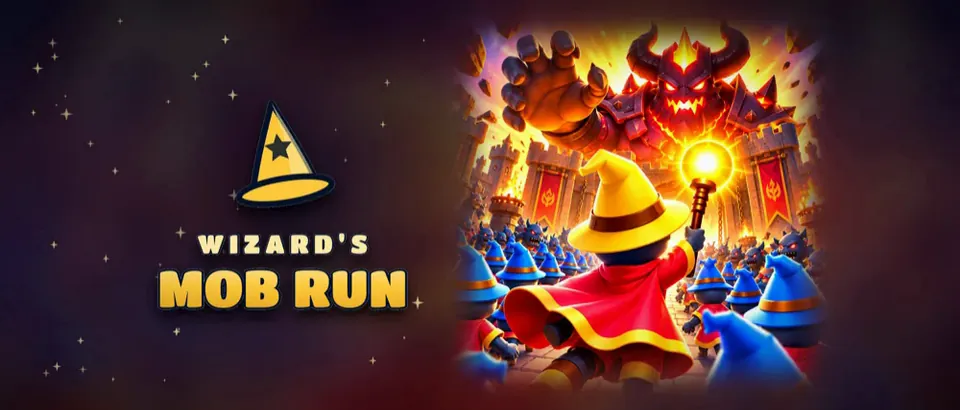
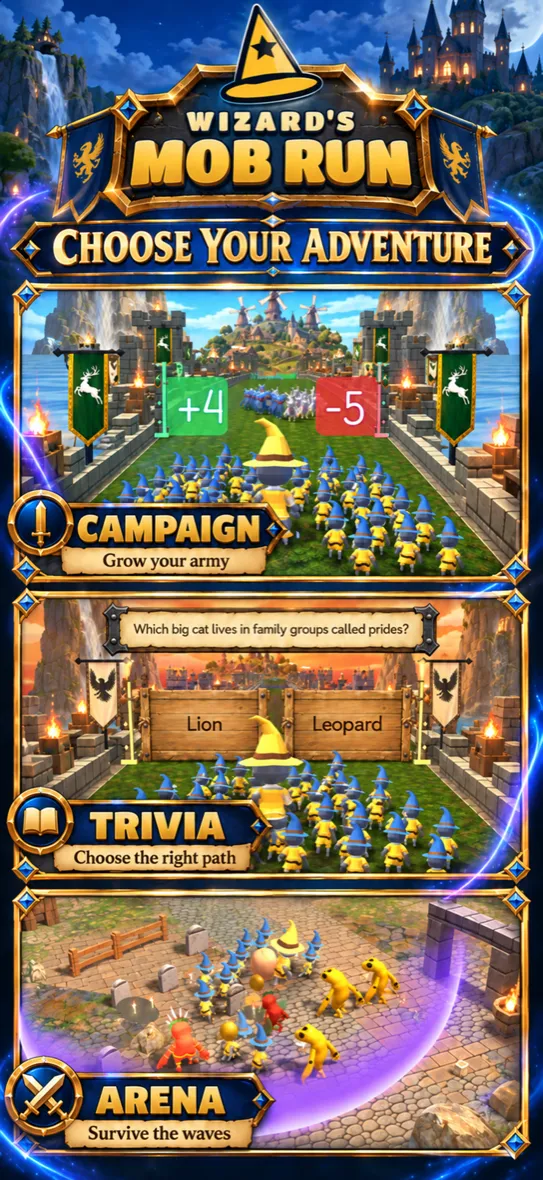
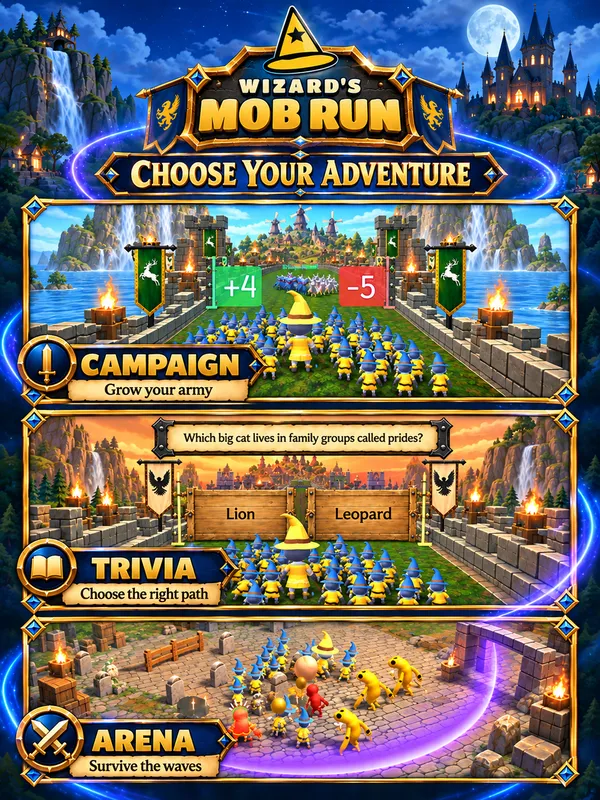
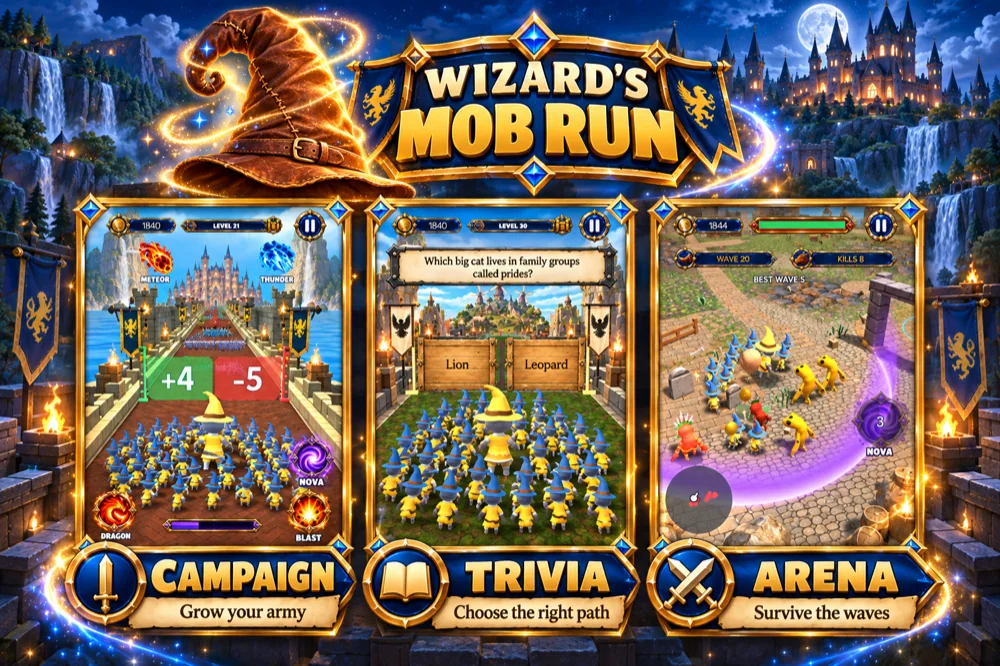
Key art for Wizard’s Mob Run: a painted wizard hat above the title, with three framed gameplay cards for Campaign, Trivia and Arena.
Key art for the App Store search results. Three modes, one look.
  • End to endResearch, design, build direction and release
  • 1,606Trivia questions

Overview

Project overview

I led the research, game design, testing and App Store release of this single-player game for iPhone and iPad. I wrote the development briefs; Claude Code implemented them and ChatGPT Codex reviewed the code.

Role
Independent product designer. I led research, product decisions, game design, interface design, the design system, art direction, testing, release and AI-assisted development.
Platform
iPhone and iPad in portrait. iOS 16 or later.
Timeline
Development started on 17 Jul 2026. I submitted it to the App Store on 29 Oct and released updates after launch.
Status
Free on the App Store in 173 countries.
Research
Parent interviews, a review of similar games and a heuristic evaluation.
Team
Solo project.

Tools

  • Claude Code
  • ChatGPT Codex
  • Meshy
  • Blender
  • ElevenLabs
  • Unity
  • Xcode
  • App Store Connect
  • FFmpeg
  • GitHub
  • Markdown
  • 15weeks of developmentfrom the first code commit to App Store submission
  • 10languagesEvery screen, question and store page
  • 4game modesCampaign, Trivia, Arena, Endless
  • 600unique maps300 levels, plus Arena and Endless maps
  • 184test suitesRun automatically before every App Store build
  • 200App Store screenshotsFor iPhone and iPad, in 10 languages

Video

The 30-second tour

The main design decisions, accessibility and the four modes in thirty seconds.

The voice was made with ElevenLabs from my script; the footage is the released game.
Transcript

I designed and released Wizard's Mob Run, a one-finger crowd runner for kids and grown-ups. The challenge: teach without stopping play. So answers became doors the crowd runs through. When players said steering wasn't smooth, I switched to grab and drag. For accessibility, gates show numbers, not only colour, controls got bigger, and Reduce Motion is supported. Four modes share one design system. The first App Store reviews? Both five stars.

Timeline

From the first interview to the App Store

Research and design came first. The build took fifteen weeks.

Commits per month in 2026 July 184, August 557, September 952, October 1,254, November 17 so far.184Jul557Aug952Sep1,254Oct17Nov
2,964 commits from 17 Jul to 26 Nov 2026, counted by commit date.
Commits per month, 2026
MonthCommits
Jul184
Aug557
Sep952
Oct1,254
Nov17
Research and design: project timeline
WhenMilestoneWhat happened
Brief and genre reviewWrote a brief centred on parents and reviewed what players dislike in crowd runners.
Parent interviewsModerated 1:1 sessions of about 35 minutes, two or three a day.
Affinity map and insightsClustered the notes into four insights and two personas.
Goals and How might weTurned the insights into five goals and five How might we questions.
Concepts and art directionDesigned the mode concepts, screen layouts and the first painted UI concept art.
UI kit designedWrote down the colour, type and component rules before any code.

Phase 1 of 7

Empathize

Research

What 10 parents told me

Discovery came first: moderated one-to-one interviews, then an affinity map to turn notes into insights.

Sample research, not real data. The interview counts, quotes and personas below are placeholders until I add my real interview notes.

Method
Moderated 1:1 interviews
Participants
10 parents of 9 to 16 year-olds
Format
35 minutes each, remote, recorded with consent
Output
Affinity map, 4 insights, 2 personas

What parents said

  • “I don’t mind a game being hard. I mind it asking for money in the middle.”

    Parent of a 10-year-old

  • “If there’s a quiz, I want it to feel like part of the game, not homework.”

    Parent of a 12-year-old

  • “The buttons are tiny and my daughter keeps missing them.”

    Parent of a 9-year-old

Four insights, four design responses

  • Parents judge a game in the first minute

    8 of 10 parents

    Design response: The first run begins with one clear choice, without a login, ads or long instructions.

  • Ads and purchase prompts affect whether parents keep a game installed

    9 of 10 parents

    Design response: Version 1.0 has no ads or in-app purchases.

  • Parents want to understand what the game teaches

    7 of 10 parents

    Design response: Trivia questions appear inside the run.

  • Small text and tiny buttons frustrate players and parents

    6 of 10 parents

    Design response: One label size per role, larger tap targets and a readable-text mode.

Two personas

  • Maya, 38

    Parent of an 11-year-old

    “If I can’t tell in a minute what it is, it’s deleted.”

    Needs: An educational game she feels comfortable approving, without unexpected charges.

    Frustrations: Ads that interrupt, unclear age fit, games that trick players into buying.

  • Leo, 9

    Plays after school, as parents describe him

    “He loves it when the army gets huge.” (parent interview)

    Needs: Wants fast, fair controls and a big crowd. Gets stuck on small buttons and long text.

    Frustrations: Unpredictable touch controls, small labels and waiting.

Phase 2 of 7

Define

Problem and goals

Designing an educational game for players and parents

Problem statement

I set out to create an educational game that kids and grown-ups would play by choice. Parents want to see what the game teaches, and players want to enjoy it. How could the game teach without interrupting the play?

I put the trivia inside the run: the answers are doors the crowd runs through.

The opportunity

Crowd runners are a popular mobile genre. Many focus on one arcade mechanic and show frequent ads.

I wanted a runner with educational content that parents could approve and players could read on a small phone.

Who it is for

Casual mobile players aged 9 and up, kids and grown-ups alike, and the parents who choose games for them. My brief to myself was a game that teaches while you play. The App Store age rating is 9+.

Goals

  1. Predictable one-finger controls

    Steering responds at once, without sudden jumps.

  2. Readable on a small phone

    Text and buttons must fit longer translations, such as German and French.

  3. Consistent controls and screens

    The same type, colours and controls on every screen.

  4. Learning during play

    Players answer questions while they run.

  5. No ads or purchases

    Version 1.0 has no ads and no in-app purchases.

Phase 3 of 7

Ideate

The product

Game modes and key moments

Four modes: Campaign, Endless, Trivia and Arena. Boss fights and the dragon happen inside them.

Build your mob and finish each level

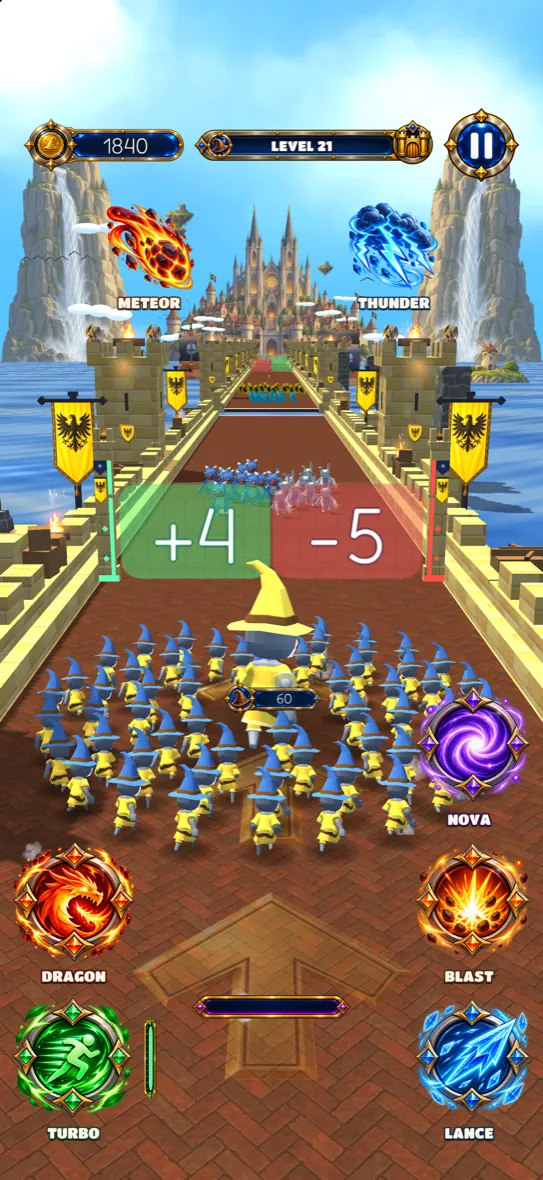
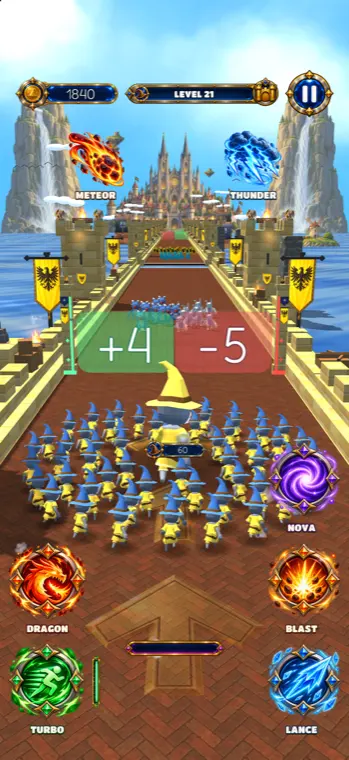
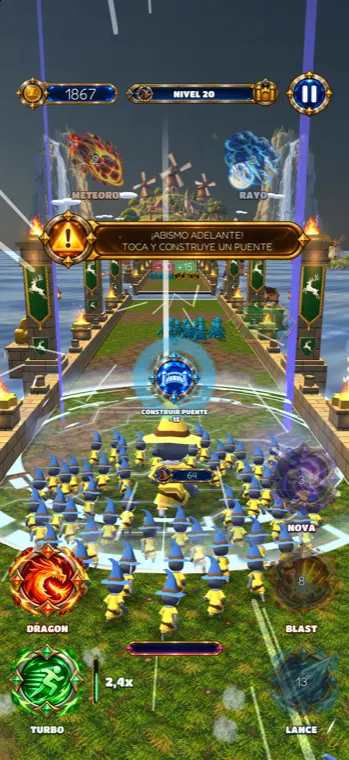
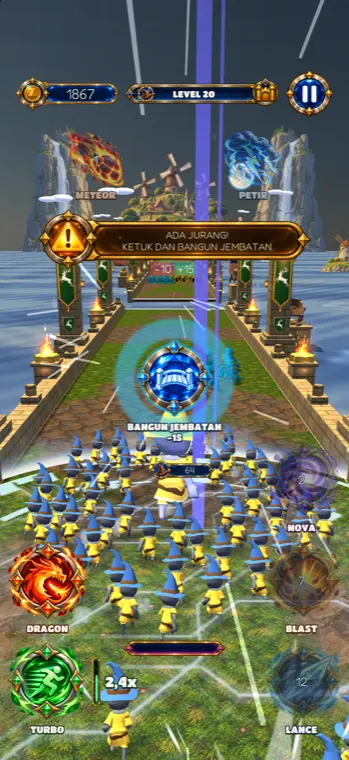
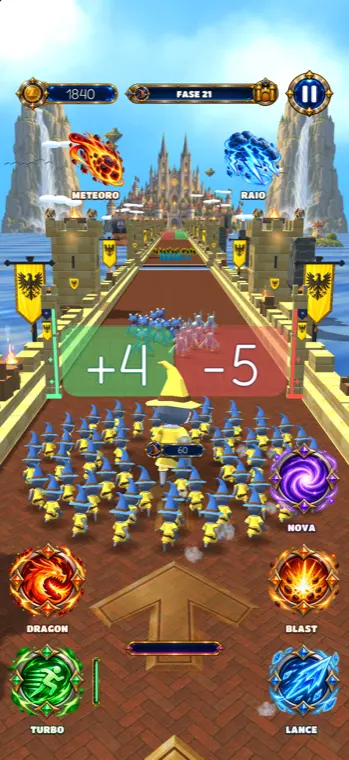
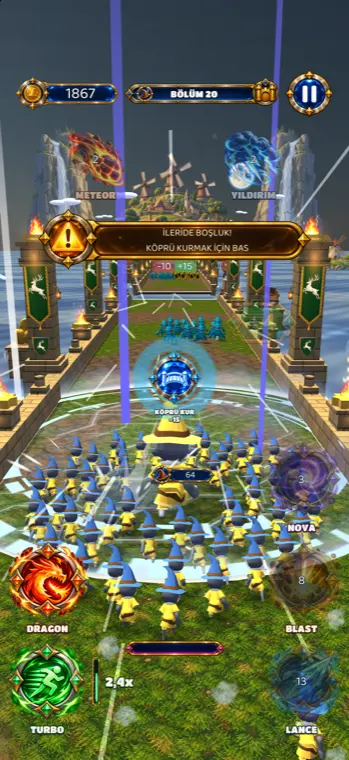
Run forward on a bridge. A pair of gates appears about every 62 metres, one green and one red. Steer through the better one. Tap BUILD A BRIDGE to cross gaps.

  • 100 distinct levels, verified by an automated level checker
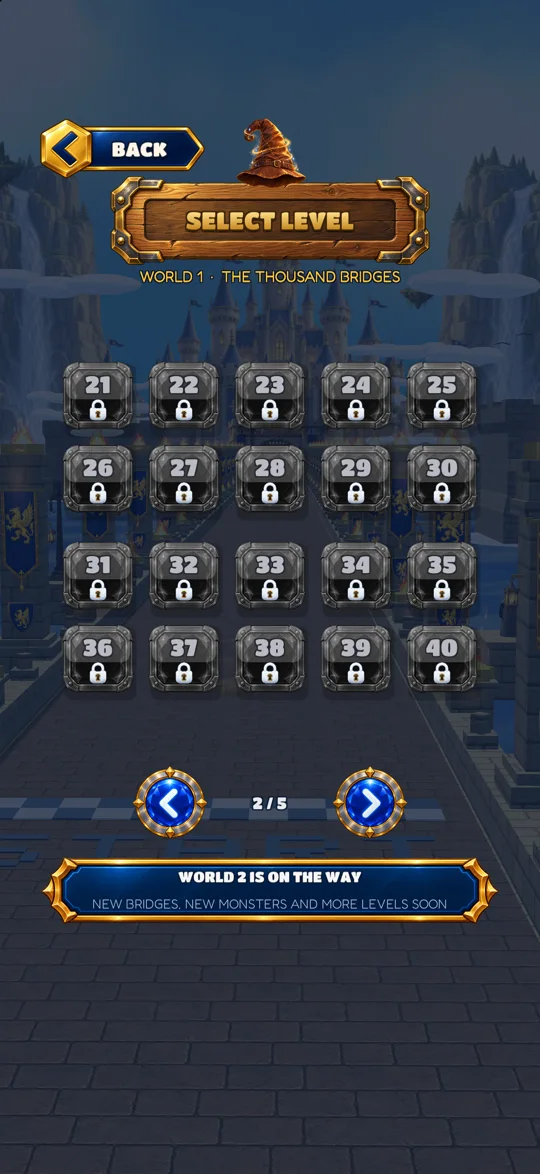
  • Stars for each level. Levels unlock ten at a time, twenty to a page in the level select
  • Three attack spells, two sky strikes, Turbo and an Ultimate, and a boss at the end
A silent 15-second clip. The crowd runs along a bridge, dodges a red gate and passes through a green one while spell buttons glow at the bottom corners.

Game design

Game feel and feedback

How players get feedback and use the controls during a run.

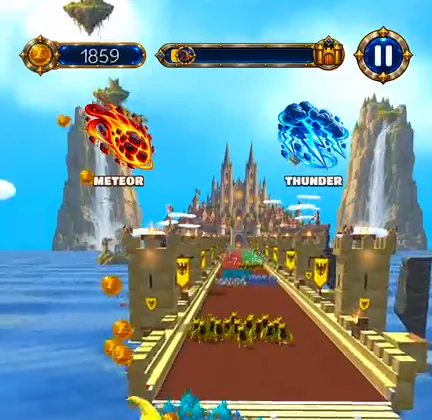
A frame from a real run: coins arc from the crowd up to the gold counter at top left, which ticks from 1858 to 1859

Coins fly to the gold counter

Coins fly in an arc from a defeated monster or a gate to the counter in the top left. The counter goes up and briefly grows with each coin.

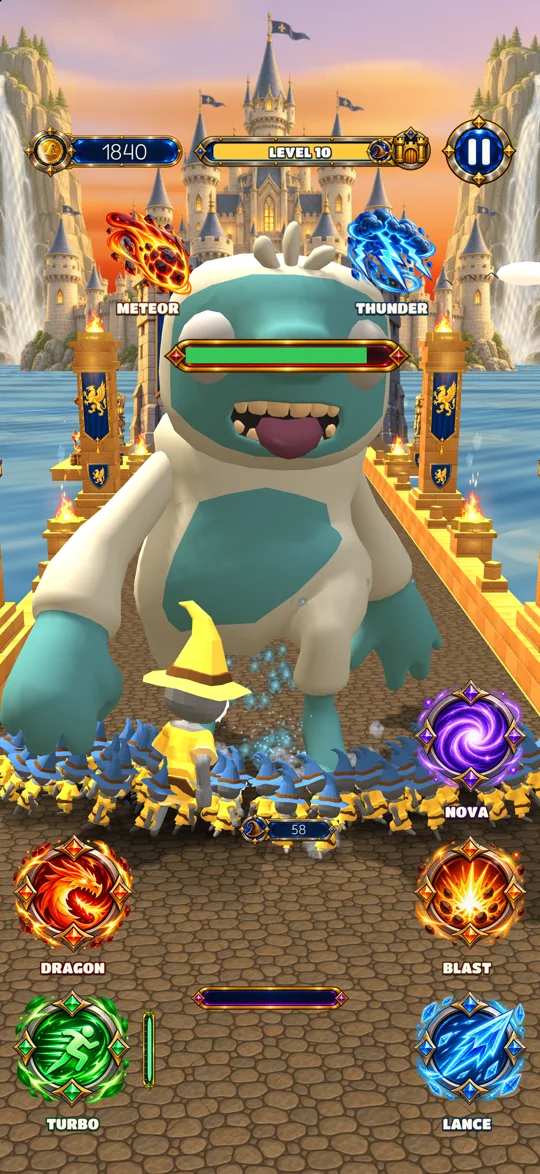
A boss fight

Feedback for big moments

Defeating a boss triggers slow motion and a strong shake. An Ultimate also uses slow motion and shake. Losing wizards triggers a small shake and a brief freeze.

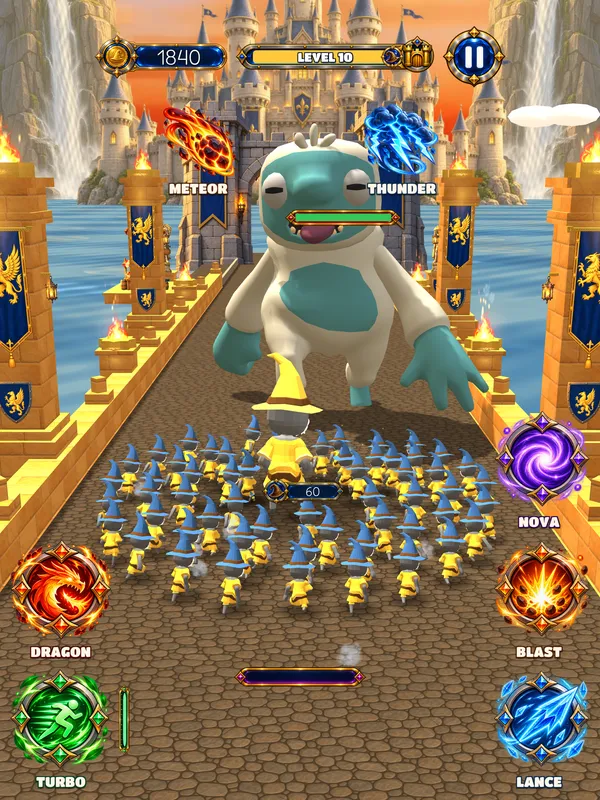
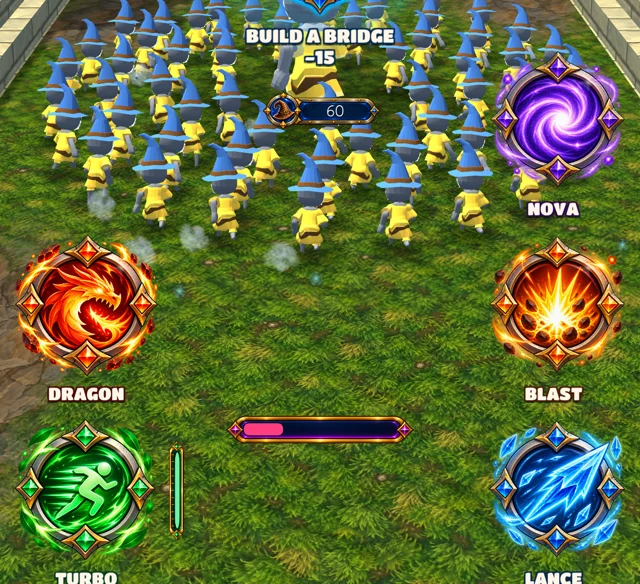
The lower half of the run screen

Where the attack buttons sit

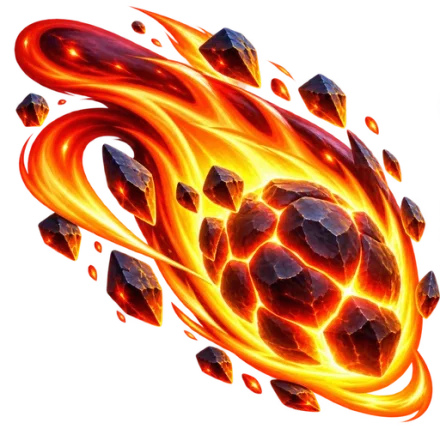
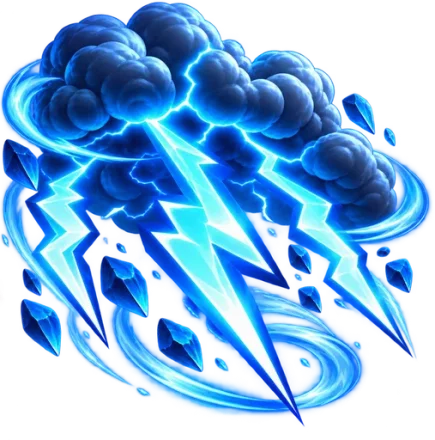
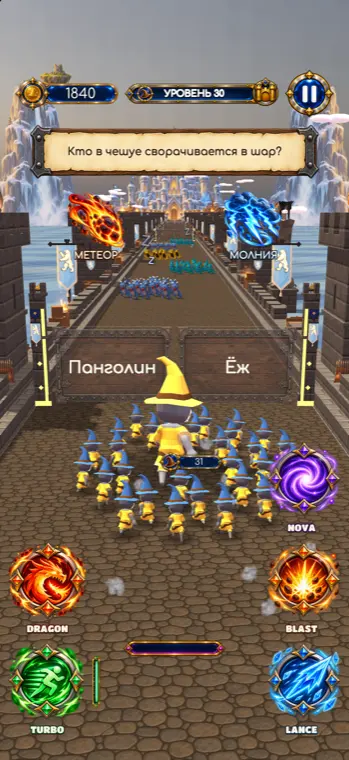
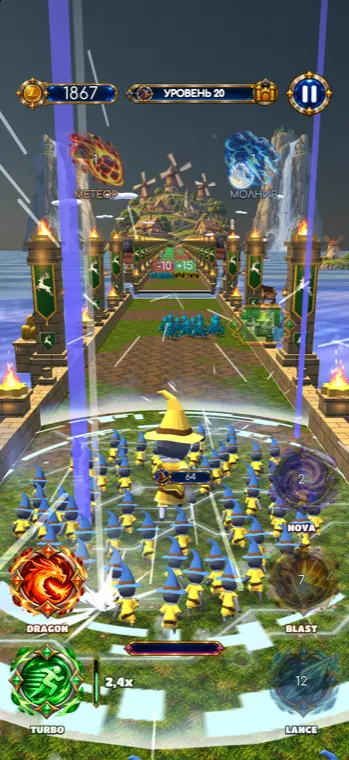
Lance, Blast and Nova stack in one column on the right, and the Button Hand setting mirrors the layout. Dragon and Turbo sit on the left, the Ultimate sits low in the middle, and Meteor and Thunder sit at the top.

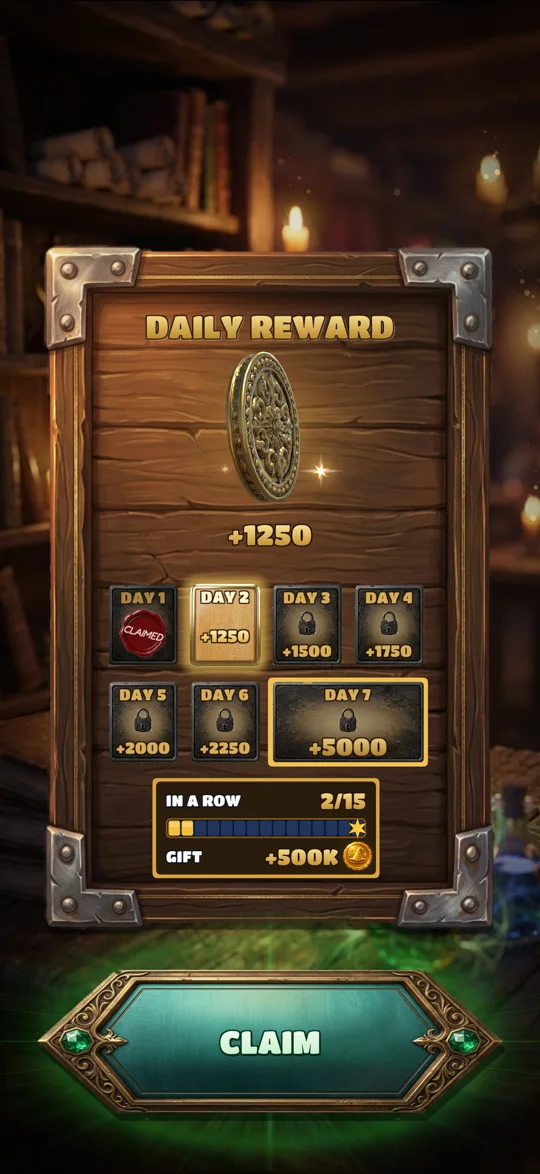
The daily reward

The daily reward board

Seven days on one board, one big CLAIM button and a counter for how many days in a row you have played.

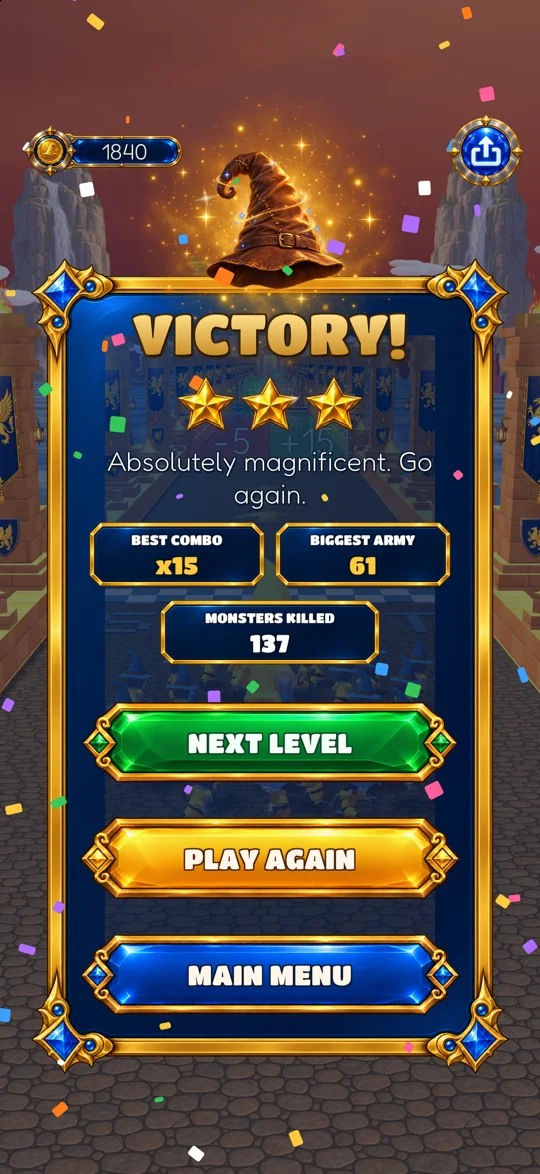
The victory card

Stars and best combo

Every level ends on a card with one to three stars, set by how much of your crowd survives, and your best combo of the run. The same buttons follow on every result card.

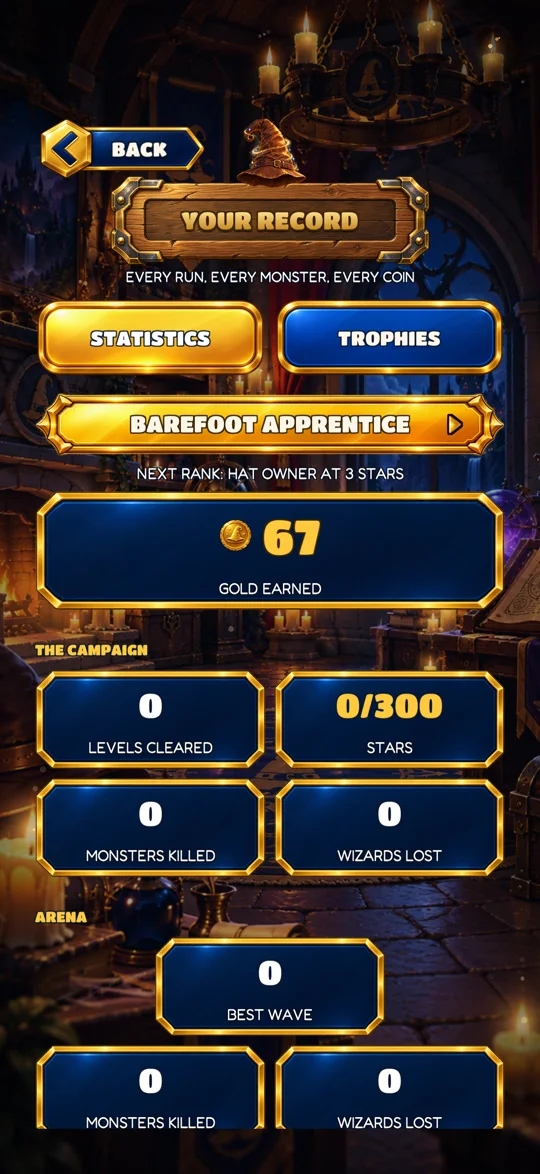
The records page

Wizard ranks

The Records page keeps lifetime totals, your Campaign stars out of 300 and a wizard rank, with the next rank as a target.

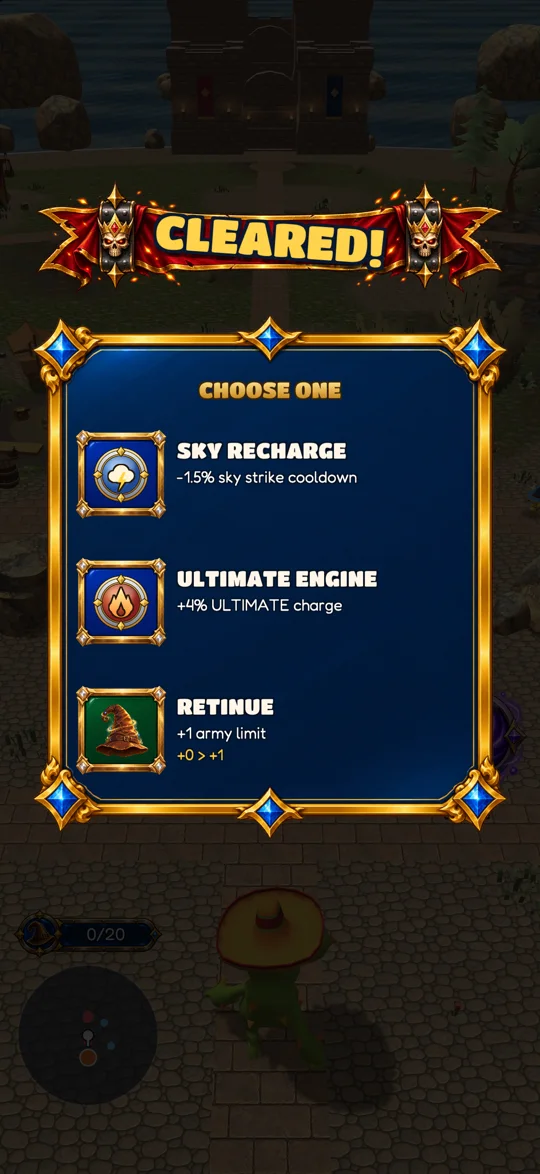
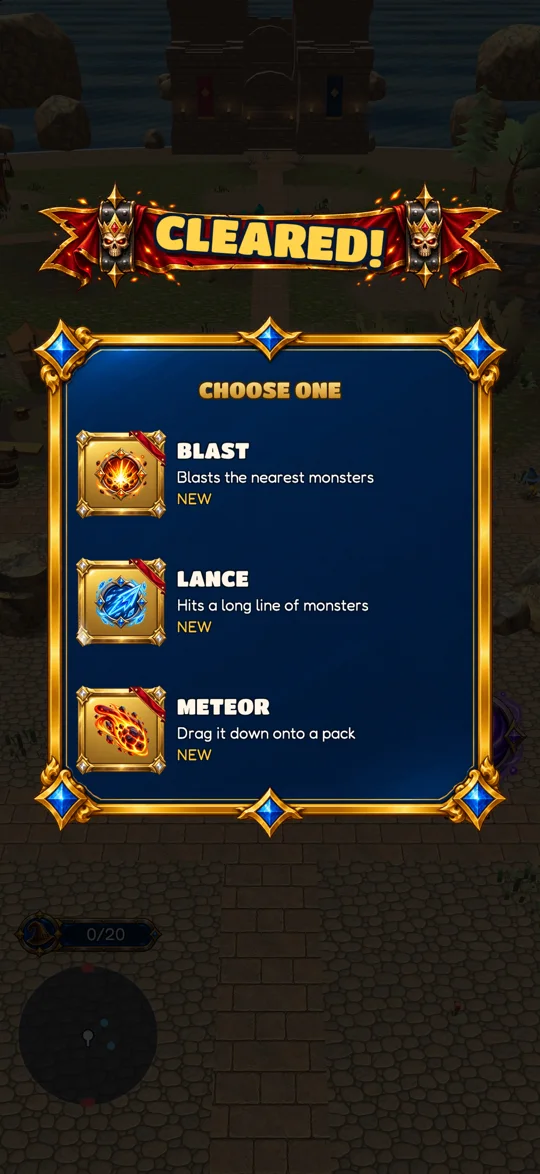
The wave-end card

Pick one of three after each wave

After each Arena wave, players choose one of three spells or upgrades, so each run develops differently.

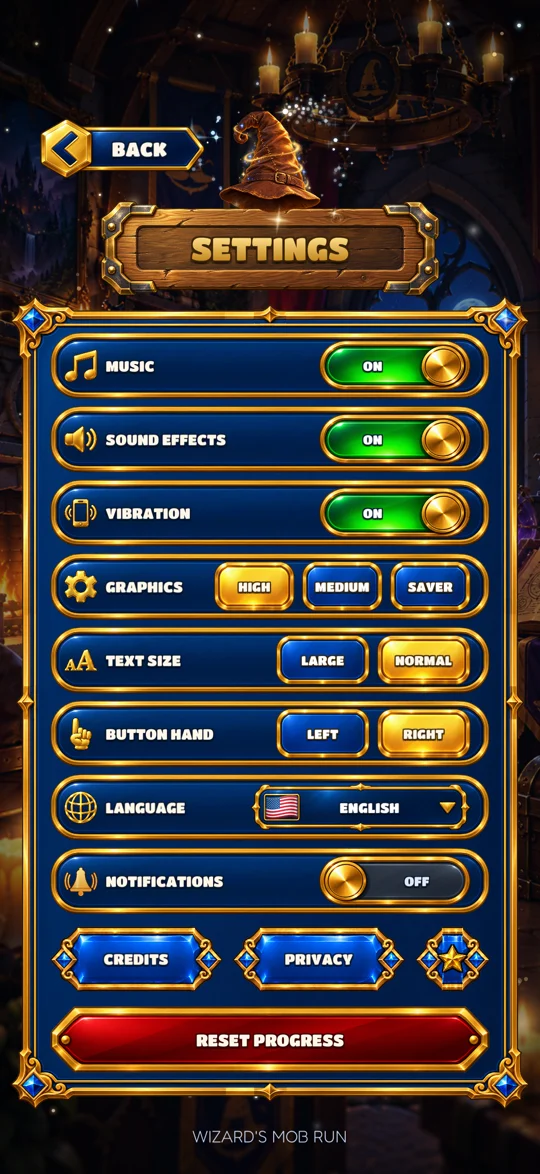
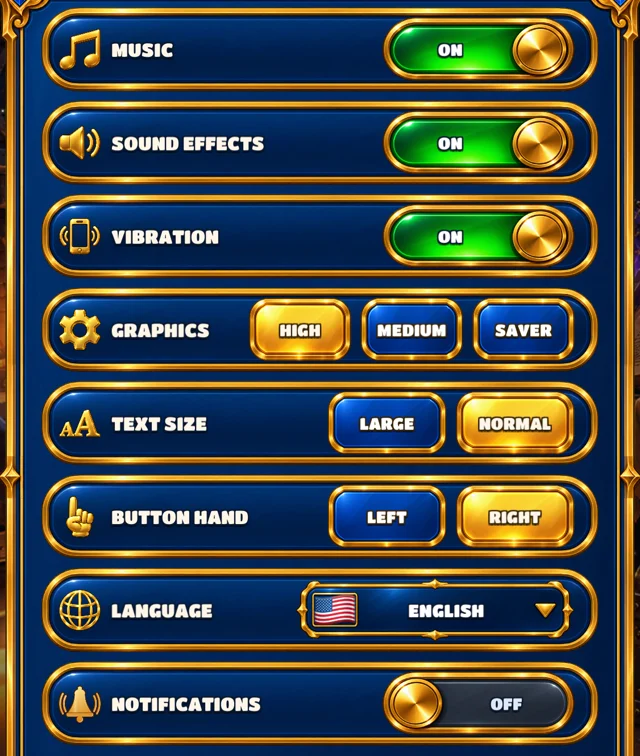
The settings rows

Audio, graphics and control settings

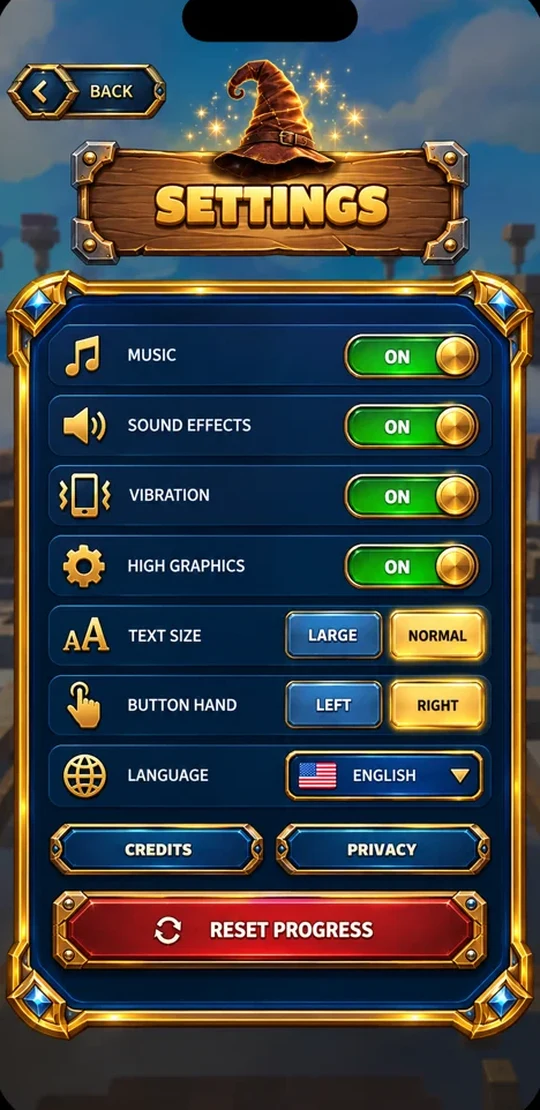
Music, sound and vibration have separate switches. Graphics has three quality levels, and Text Size and Button Hand are simple choices.

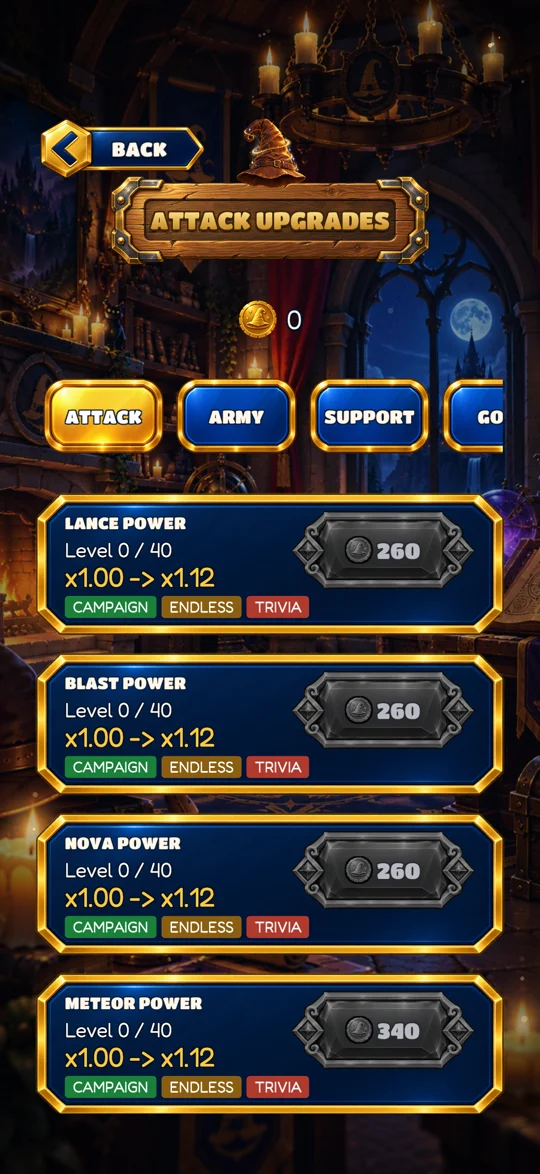
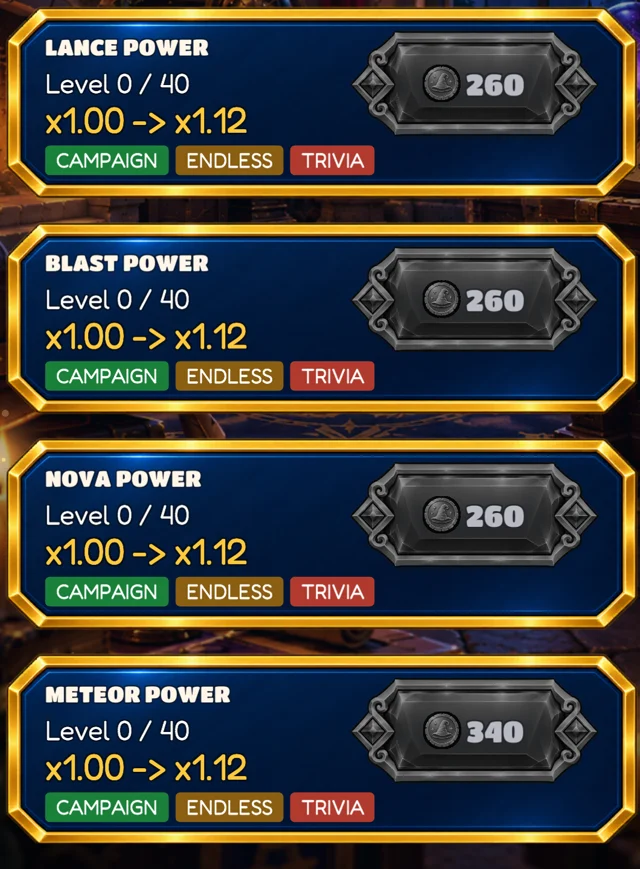
Shop upgrade rows

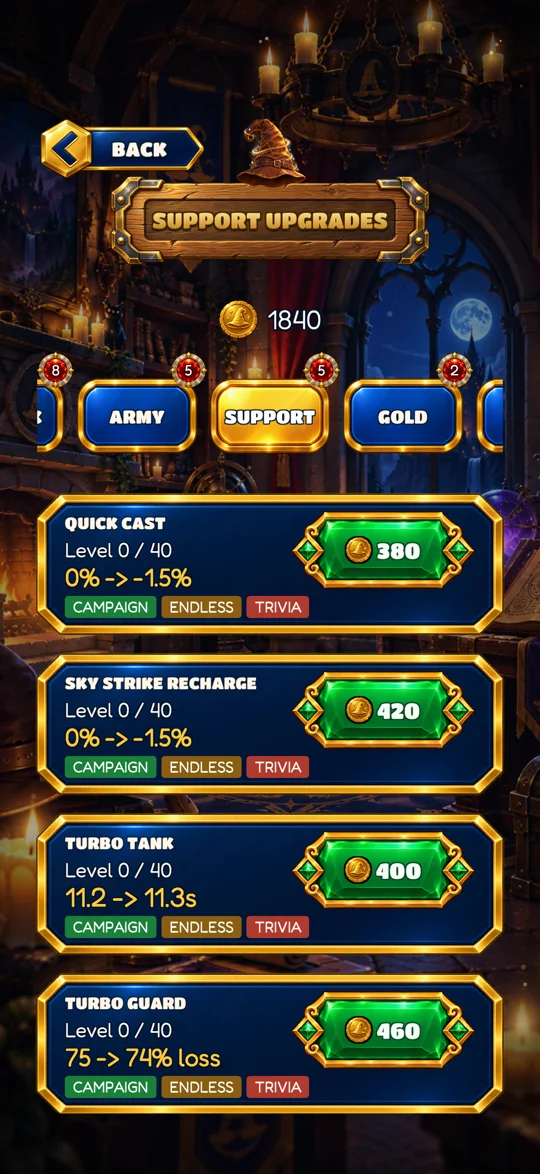
Upgrades show what they change

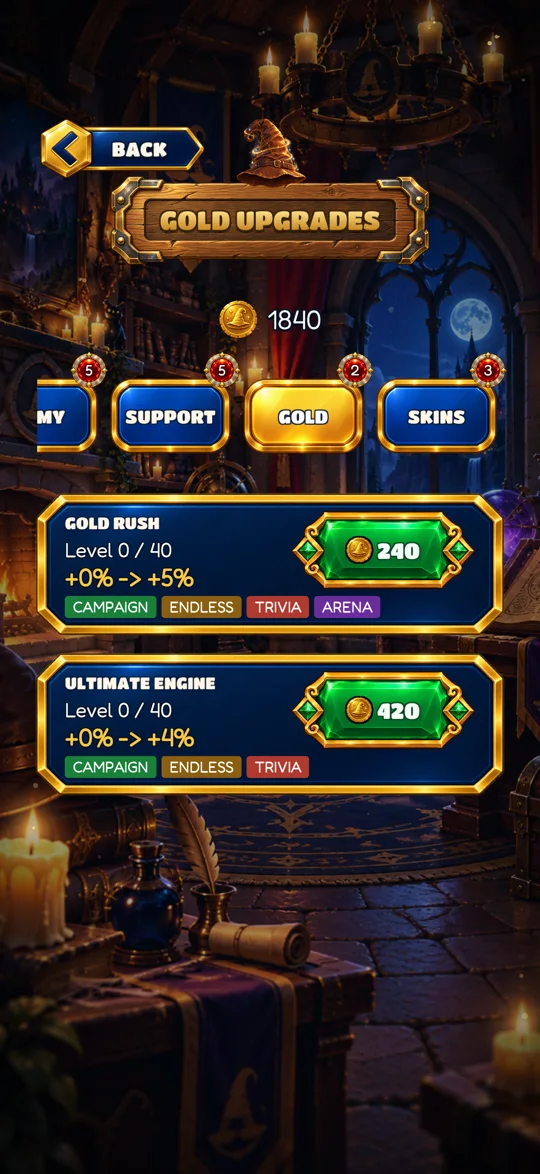
Each upgrade shows its level out of 40, the change it makes and its price, with tags for the modes it affects.

Trivia

Trivia inside the run

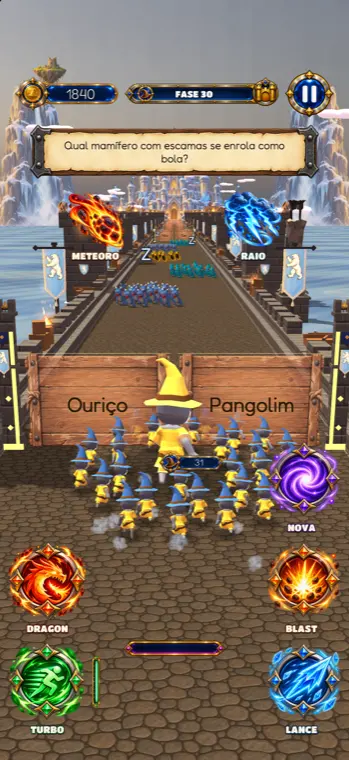
Players answer questions by steering through doors, without stopping the run.

How a Trivia run works

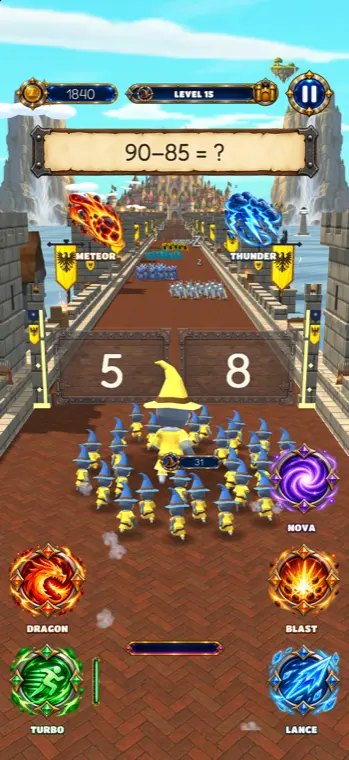
  1. A question appears on a banner at the top.
  2. Two doors show two answers, and the crowd runs toward one.
  3. A correct answer leaves the crowd as it is. A wrong answer shrinks it, and if no wizards remain, the king falls and the run ends.
  4. Then comes a combat stage and a boss.

Why doors, not a quiz screen

I compared two ideas: a separate quiz screen between runs, or the answers on the lane itself. A quiz screen stops the game. With answer doors, players answer with the same finger they steer with, without leaving the run.

How it is organised

Players choose a topic, then a category, then a level. The first three levels of every topic are open. After launch I played it myself and found the start too hard, so I made those first levels much easier.

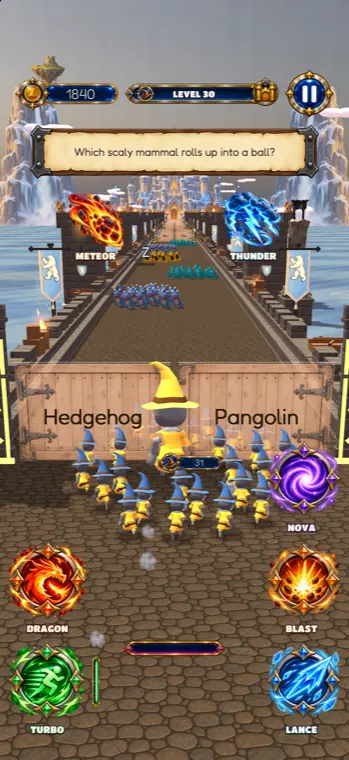
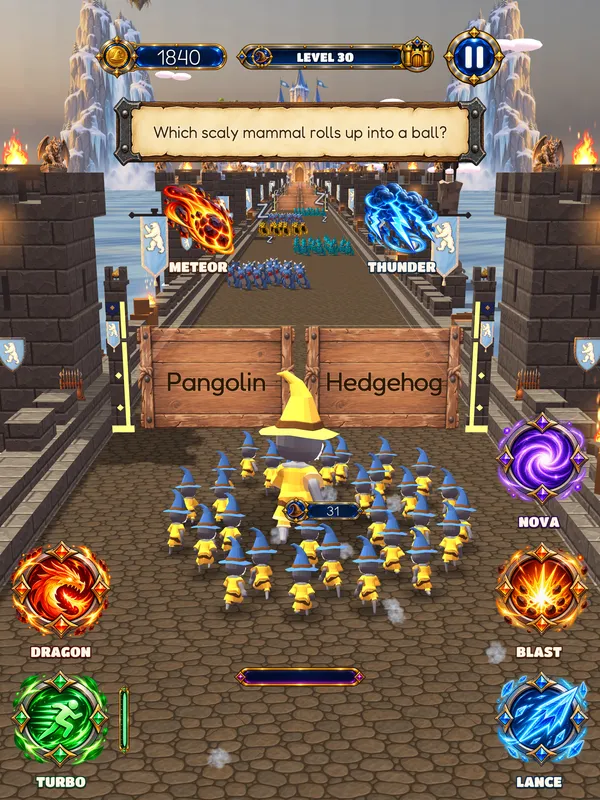
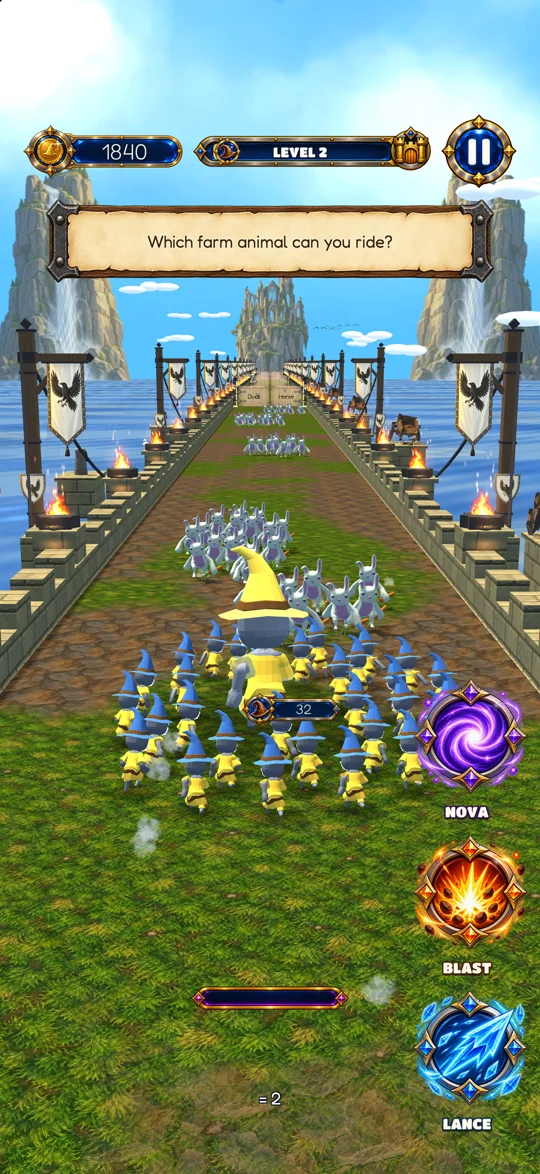
  • A question screen of Wizard’s Mob Run. The question sits in a banner, and the two answers are on the doors.

    A question

    The question sits in a banner, and the two answers are on the doors.

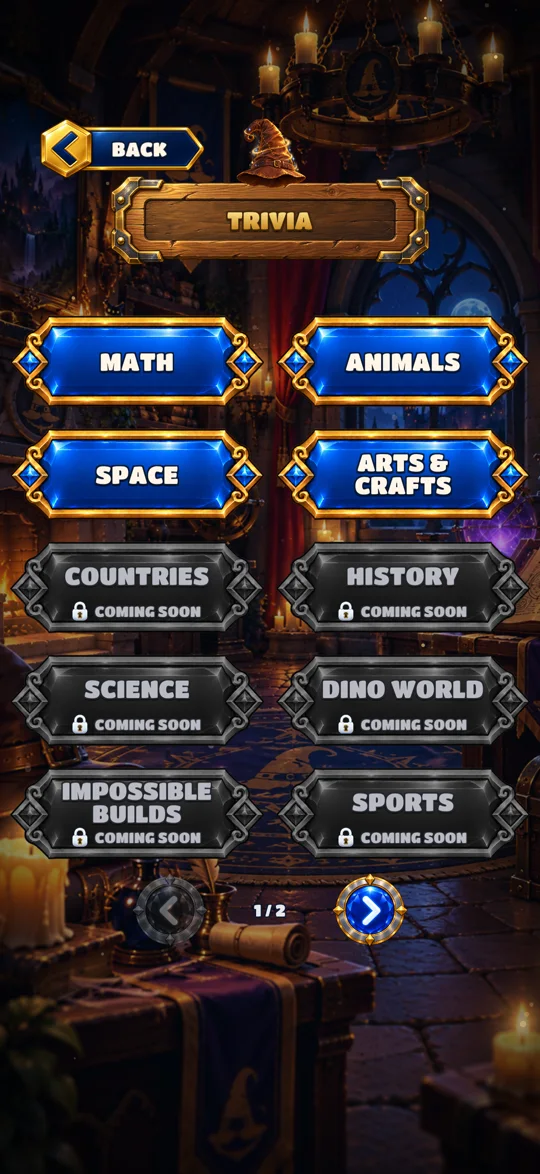
  • Choosing a topic screen of Wizard’s Mob Run. Four open topics, the rest marked coming soon.

    Choosing a topic

    Four open topics, the rest marked coming soon.

  • 1,606stored questionsAnimals 534, Space 536, Arts and Crafts 536. Math questions are generated in the game.
  • 4open topicsMath, Animals, Space, Arts and Crafts
  • 10languagesEvery question and answer

Learning

Learning during play

How the game teaches, and which topics it leaves out.

Making trivia suitable for kids and grown-ups

Problem

I wanted younger players to learn through play, and parents to trust the content.

Consideration

Because the game is for kids and grown-ups, I needed a consistent way to catch unsuitable questions before release.

Change

I defined which topics to exclude, reviewed every question against the list and replaced the unsuitable ones.

Rule

Keep trivia inside the run, and apply the same content rules to every question.

Topics left out of trivia
  • Substances meant for adults
  • Gambling
  • Religion and belief
  • Violence and death
  • Weapons
  • Suggestive language in any language
Phase 4 of 7

Design

Level design

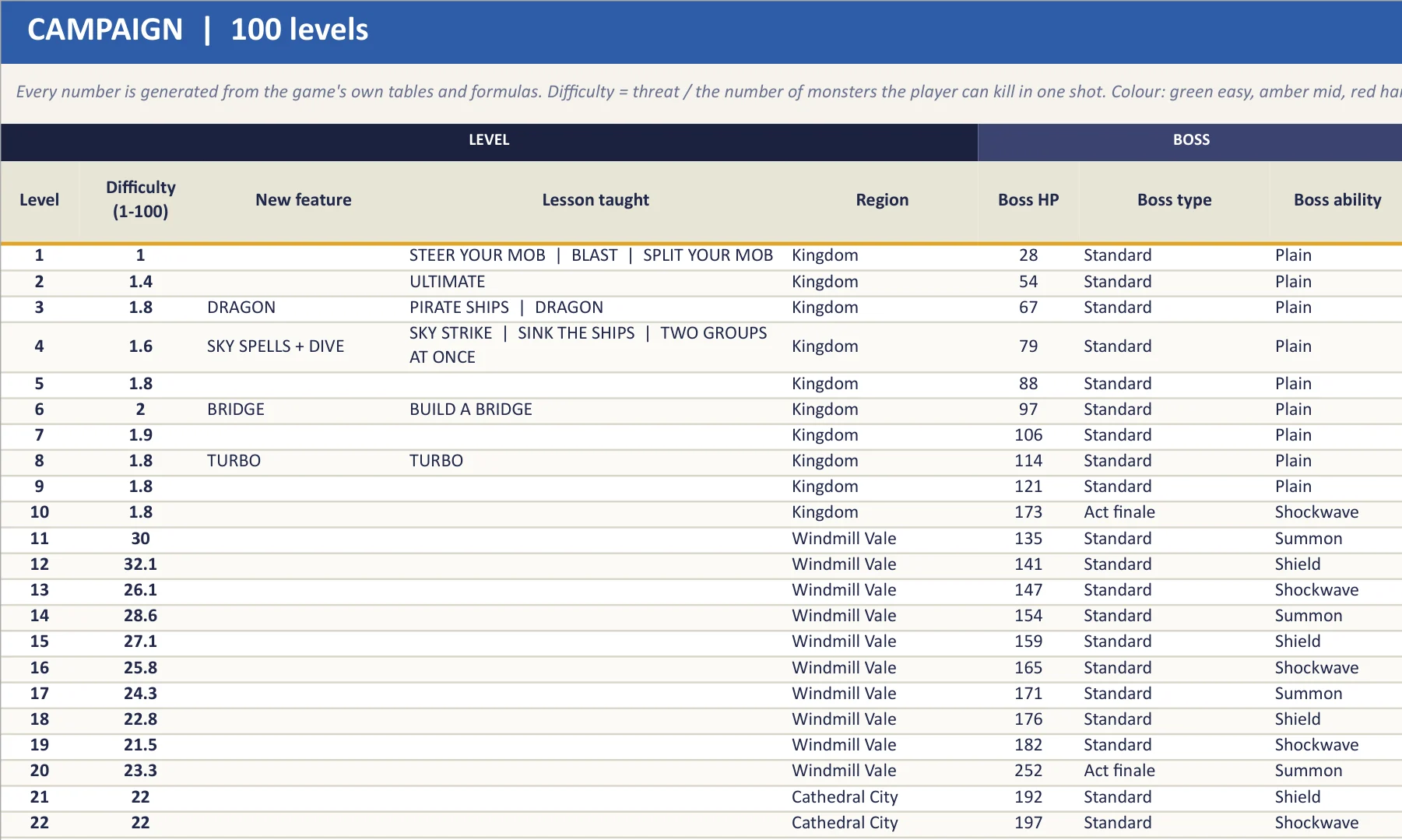
Designing 100 Campaign levels

A consistent level structure let me design, test and tune all 100 Campaign levels the same way.

  • How a level is defined.Each level places gates, bridge gaps, monster squads, saws, the boss and teaching cards along a road that is 9 metres wide. I edit the level data (numbers, not code) directly and test the changes on a phone, without a level editor.
  • Automated level checks.Automated tests check every level against the design rules, for example that no level forces the crowd below 2 wizards. The level audit found all 100 Campaign levels distinct, with no rule broken.
  • Ten visual regions.Regions such as ocean, dunes, frost and cherry blossom keep the levels from looking alike.
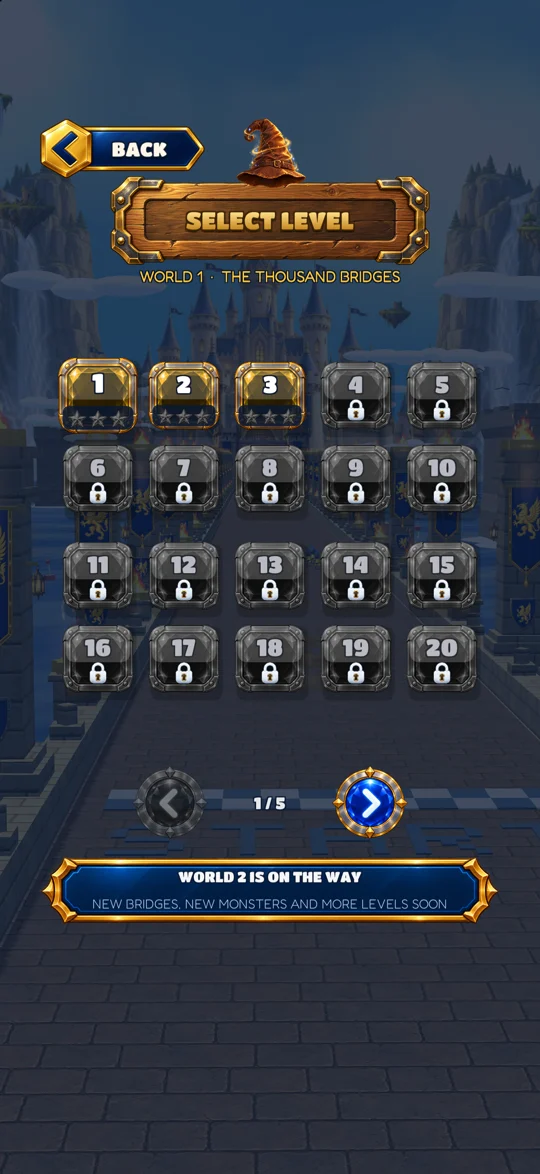
  • Level select screen of Wizard’s Mob Run. A grid of 20 level tiles, with the world named at the top.

    Level select

    A grid of 20 level tiles, with the world named at the top.

  • In a level screen of Wizard’s Mob Run. A green gate and a red gate on a wooden bridge, placed from the level data.

    In a level

    A green gate and a red gate on a wooden bridge, placed from the level data.

Game logic

Game logic, measured across three modes

How I calculated and compared the difficulty of every level, stage and wave.

How to read difficulty

The difficulty score compares how many wizards the monsters ahead could cost the crowd with how many monsters one attack can defeat. A higher score means a harder challenge. For example, if the monsters ahead could cost 20 wizards and one attack defeats 5 monsters, the score is 4. All three modes use the same calculation, so their scores can be compared. Trivia has its own difficulty ladder and is not part of this comparison.

How I balanced the game in Excel

I designed the game logic in an Excel workbook that measures every level, stage and wave with the game’s own data and formulas. The charts below come from these sheets. Select a sheet to open it full size.

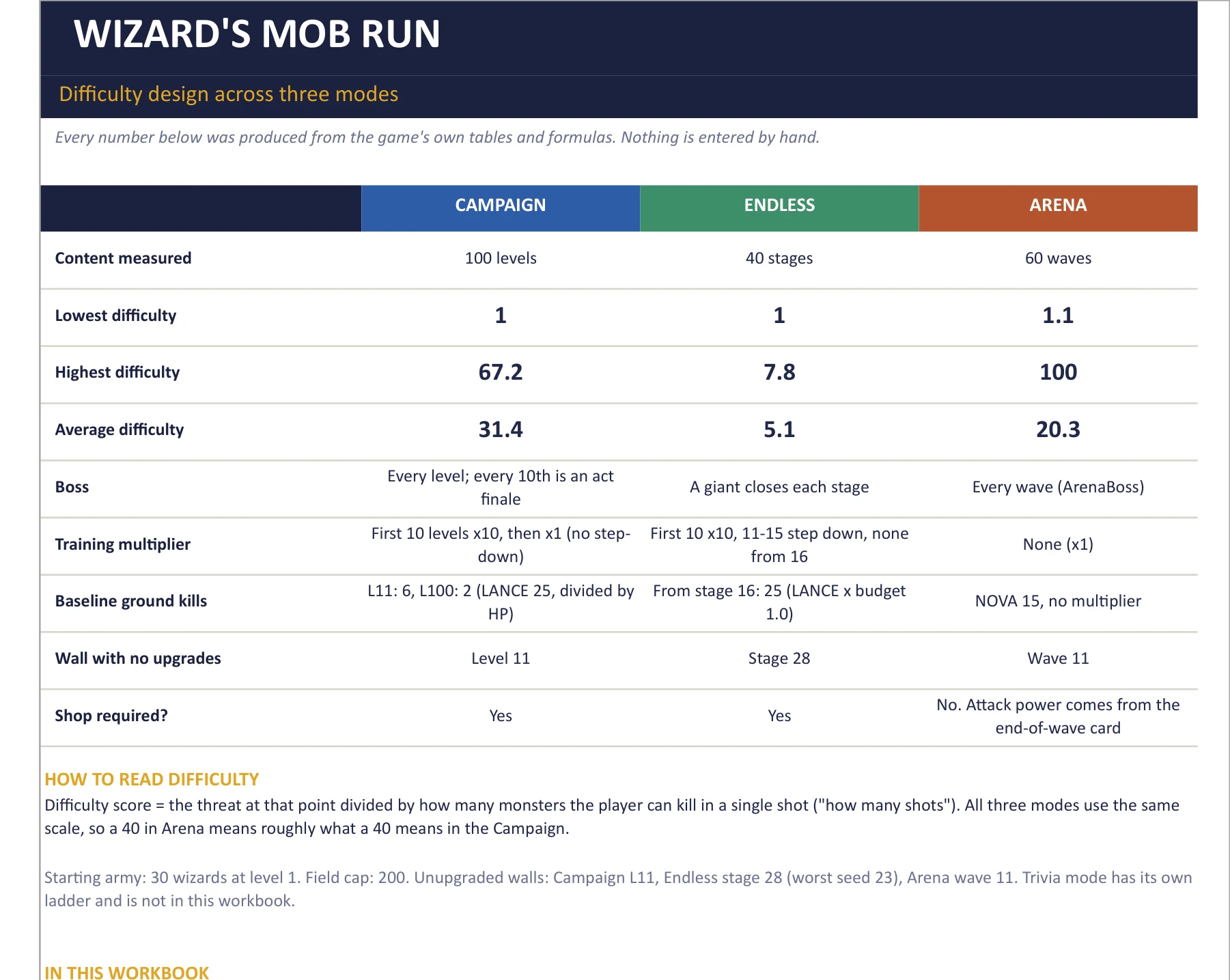
Screenshot of my Excel workbook, sheet: The summary sheet (opens full size in a new tab)

The summary sheet

One page that compares the three modes: how many levels, the lowest, highest and average difficulty, and where a player with no upgrades stops winning.

Screenshot of my Excel workbook, sheet: Campaign, 100 levels (opens full size in a new tab)

Campaign, 100 levels

Every level with its region, boss, monster count, group sizes and how many monsters one attack defeats before upgrades.

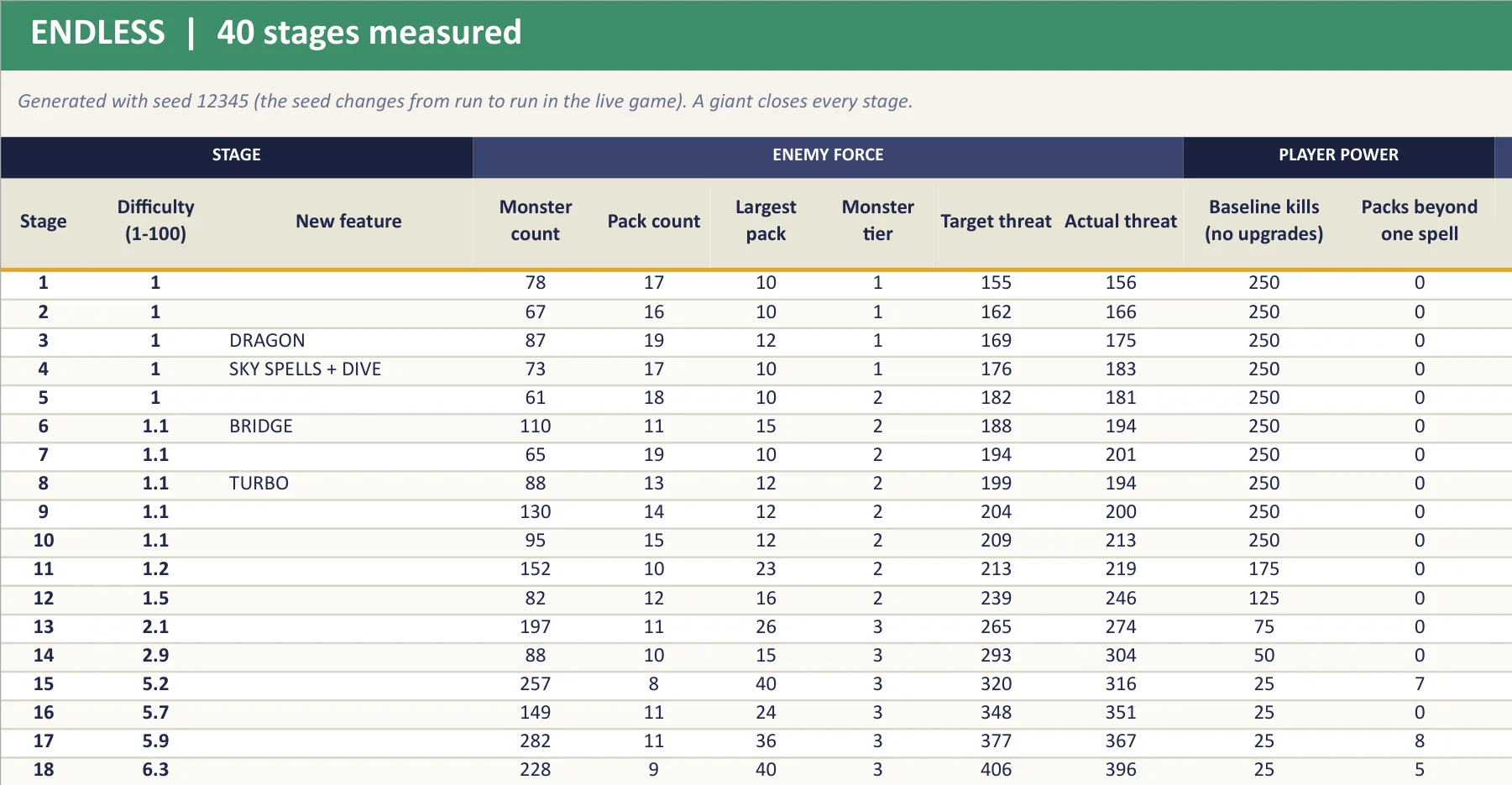
Screenshot of my Excel workbook, sheet: Endless, 40 stages (opens full size in a new tab)

Endless, 40 stages

The planned and the actual threat for each stage, measured from the same starting conditions so runs can be compared.

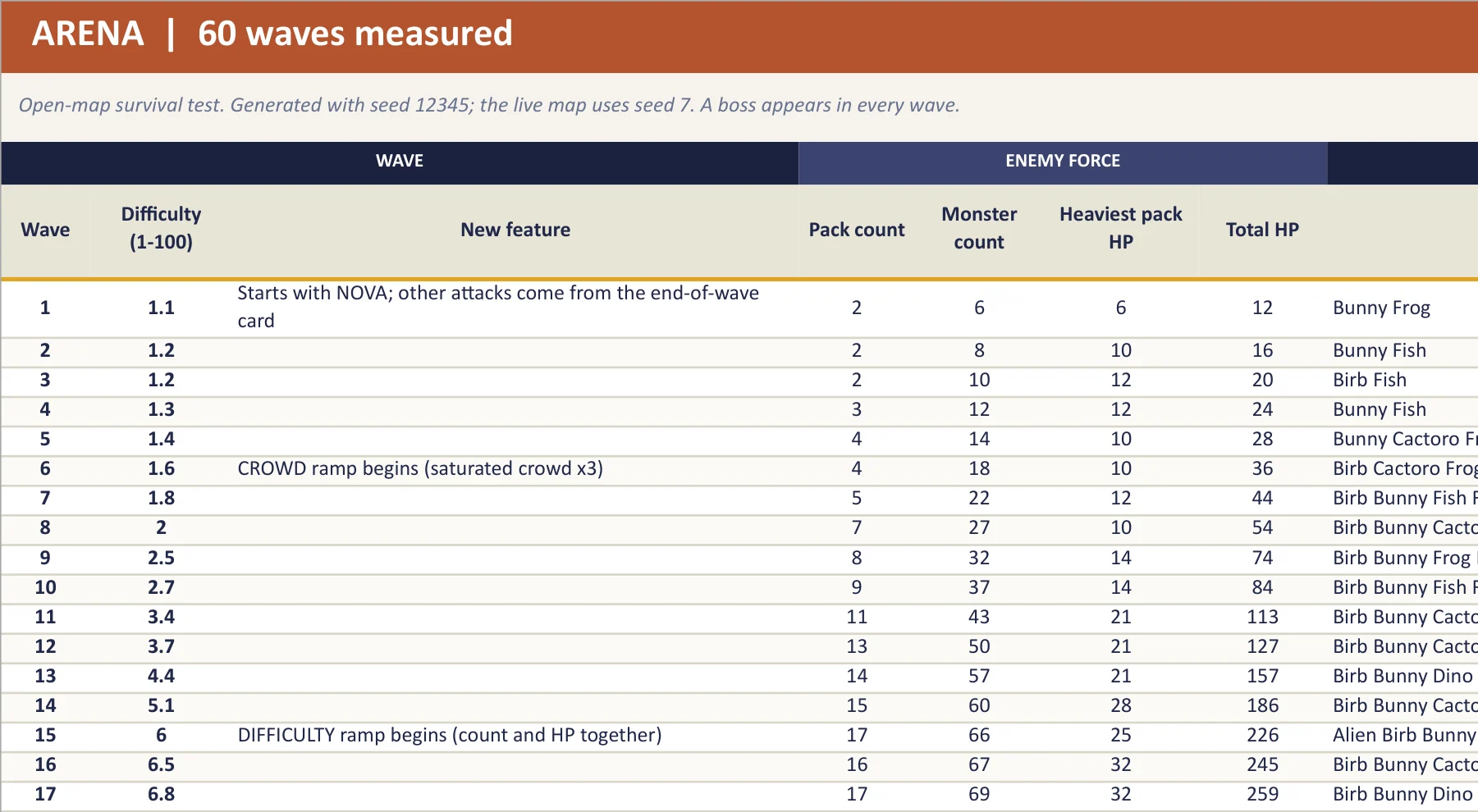
Screenshot of my Excel workbook, sheet: Arena, 60 waves (opens full size in a new tab)

Arena, 60 waves

Wave by wave: monster groups, monster count, the strongest group, total health and the monster types on the field.

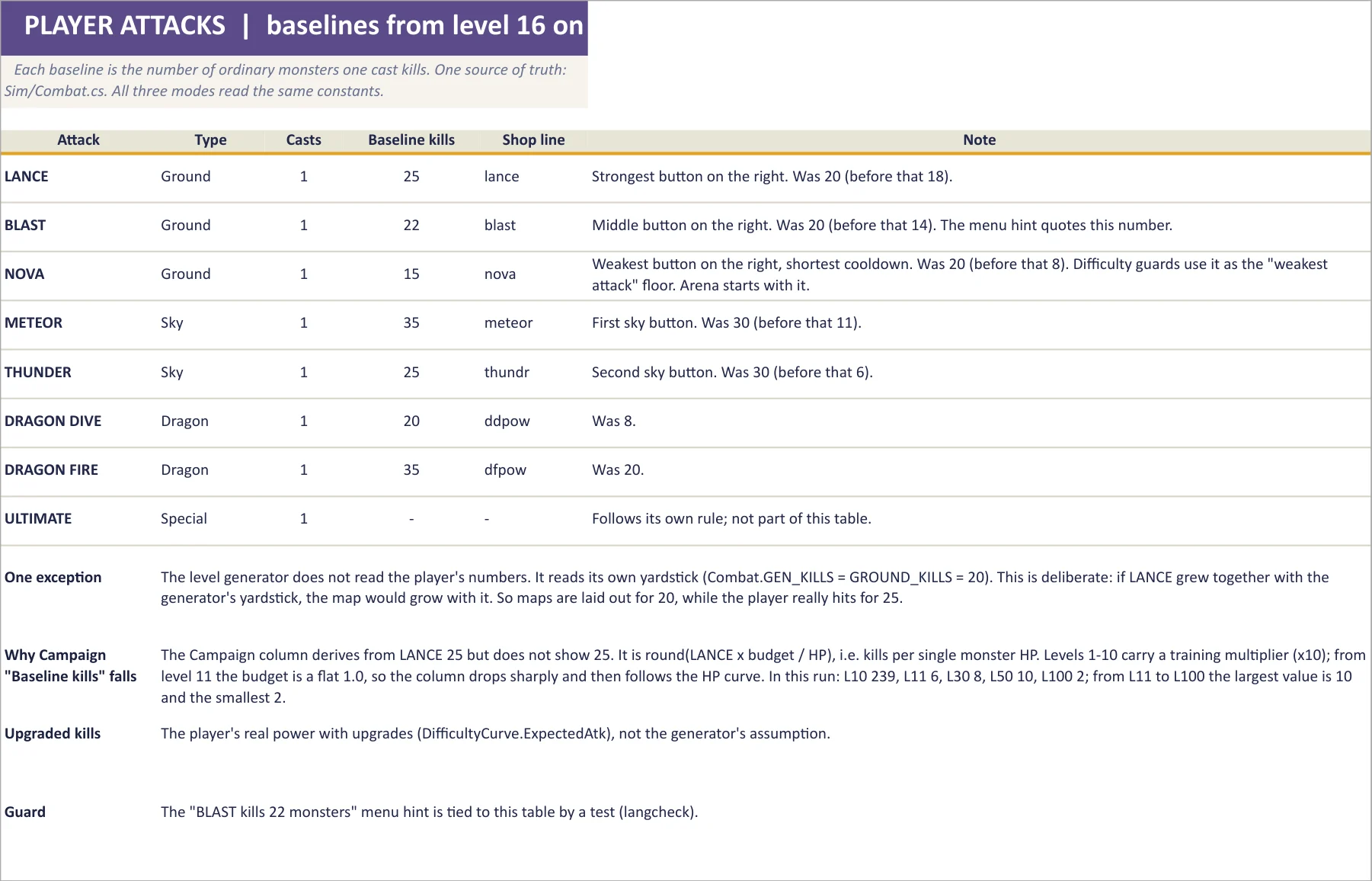
Screenshot of my Excel workbook, sheet: Player attacks (opens full size in a new tab)

Player attacks

How many monsters each attack defeats before upgrades, and how I tuned those numbers over time.

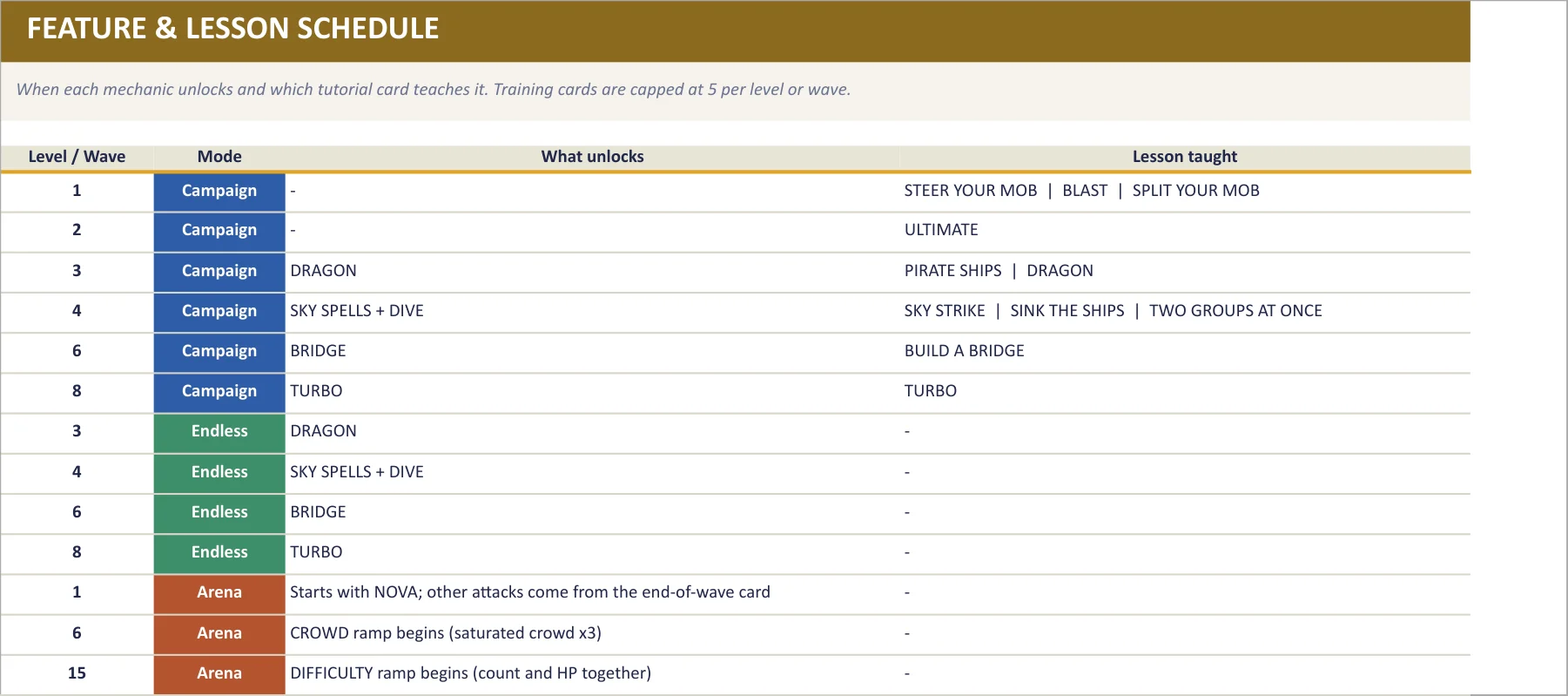
Screenshot of my Excel workbook, sheet: Feature and lesson schedule (opens full size in a new tab)

Feature and lesson schedule

When each mechanic unlocks and which tutorial card teaches it.

  • 67.2highest difficultyThe hardest level
  • 31.4average difficultyAcross 100 levels
  • 11wall with no upgradesThe level where, by the workbook, a player with no upgrades stops winning

Level 11 is the wall with no upgrades. Tap, hover or use the arrow keys to read any level.

02550751001102030405060708090100Level number, in the order you play themDifficulty scoreWall with no upgrades: level 11Peak 67.2

How to read it. Left to right is the order of play, from level 1 to level 100. Higher means harder; the score is not a percentage. The score means the same in all three modes, and this chart runs from 0 to 100. The dashed line marks where, by the workbook’s numbers, a player with no shop upgrades stops winning.

When players learn new mechanics

When each mechanic unlocks and which tutorial card teaches it. Players get at most five tutorial cards per level or wave.

Campaign

  1. Level 1
    STEER YOUR MOBBLASTSPLIT YOUR MOB
  2. Level 2
    ULTIMATE
  3. Level 3
    DRAGON
    PIRATE SHIPSDRAGON
  4. Level 4
    SKY SPELLS + DIVE
    SKY STRIKESINK THE SHIPSTWO GROUPS AT ONCE
  5. Level 6
    BRIDGE
    BUILD A BRIDGE
  6. Level 8
    TURBO
    TURBO

Endless

  1. Stage 3
    DRAGON
  2. Stage 4
    SKY SPELLS + DIVE
  3. Stage 6
    BRIDGE
  4. Stage 8
    TURBO

Arena

  1. Wave 1
    Starts with NOVA; other attacks come from the end-of-wave card
  2. Wave 6
    CROWD ramp begins
  3. Wave 15
    DIFFICULTY ramp begins: monster count and health rise together

Design

Interface design

Screens from the released game. Tap a screen to see it full size.

  • Loading screen screen of Wizard’s Mob Run. The key art players see while the game loads.

    Loading screen

    The key art players see while the game loads.

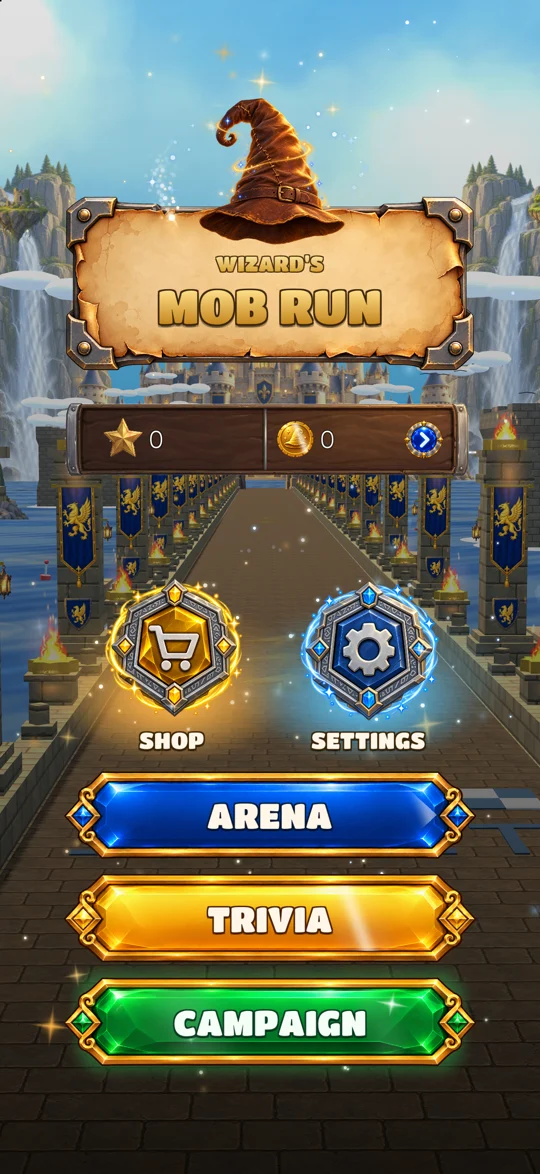
  • Main menu screen of Wizard’s Mob Run. Three doors: Campaign, Trivia and Arena. Campaign is green, the main action. Endless unlocks after level 100, at the bottom of the level select.

    Main menu

    Three doors: Campaign, Trivia and Arena. Campaign is green, the main action. Endless unlocks after level 100, at the bottom of the level select.

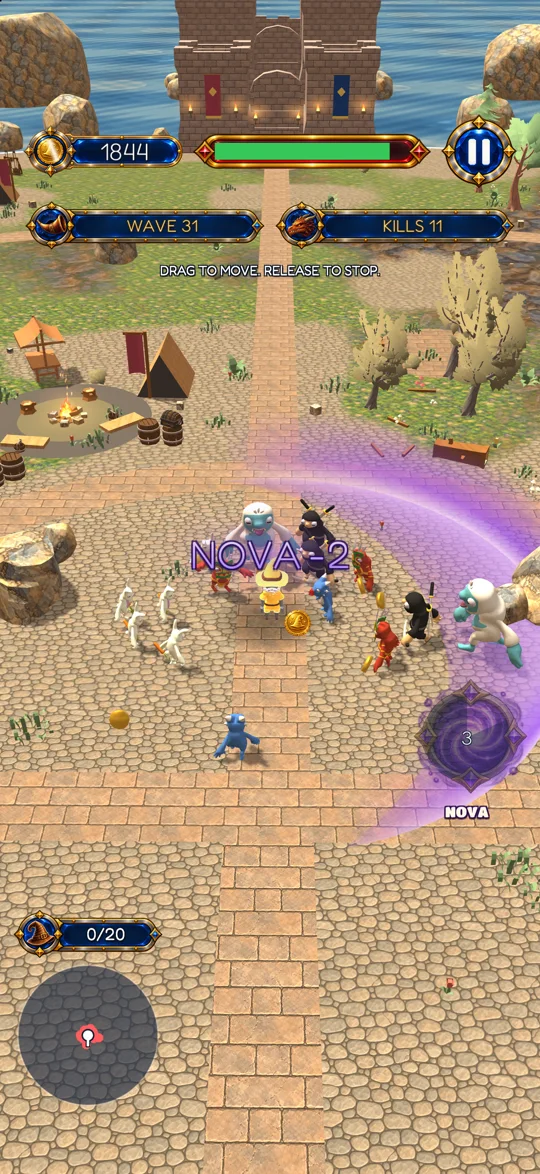
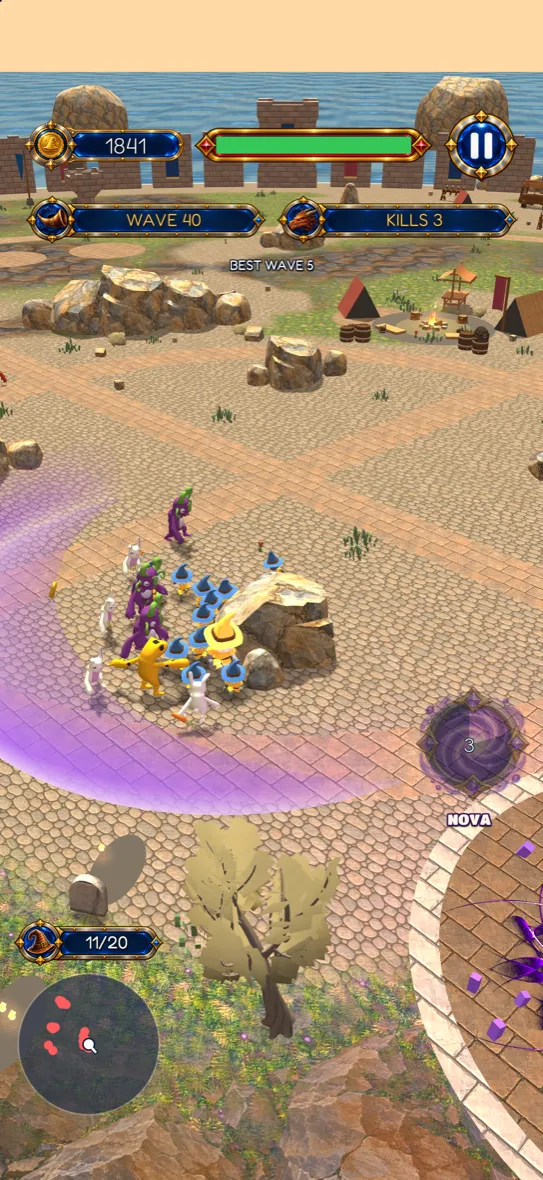
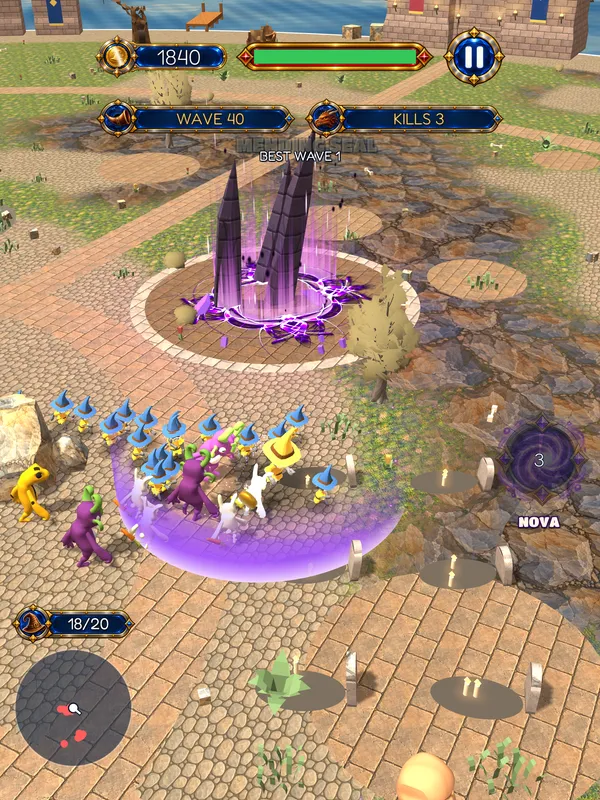
  • Arena screen of Wizard’s Mob Run. Players drag to move around the map while waves of monsters come in.

    Arena

    Players drag to move around the map while waves of monsters come in.

  • Settings screen of Wizard’s Mob Run. Each setting is one switch or one short choice.

    Settings

    Each setting is one switch or one short choice.

  • Wave-end upgrades screen of Wizard’s Mob Run. After a wave, players can pick an upgrade instead of a new spell.

    Wave-end upgrades

    After a wave, players can pick an upgrade instead of a new spell.

  • Attack upgrades screen of Wizard’s Mob Run. Each row shows level, change, price and the modes it affects.

    Attack upgrades

    Each row shows level, change, price and the modes it affects.

  • Support upgrades screen of Wizard’s Mob Run. Quick cast, sky strike recharge and turbo upgrades.

    Support upgrades

    Quick cast, sky strike recharge and turbo upgrades.

  • Gold upgrades screen of Wizard’s Mob Run. Upgrades that earn more gold.

    Gold upgrades

    Upgrades that earn more gold.

  • Level select screen of Wizard’s Mob Run. Levels 21 to 40 of 100, over five pages of 20.

    Level select

    Levels 21 to 40 of 100, over five pages of 20.

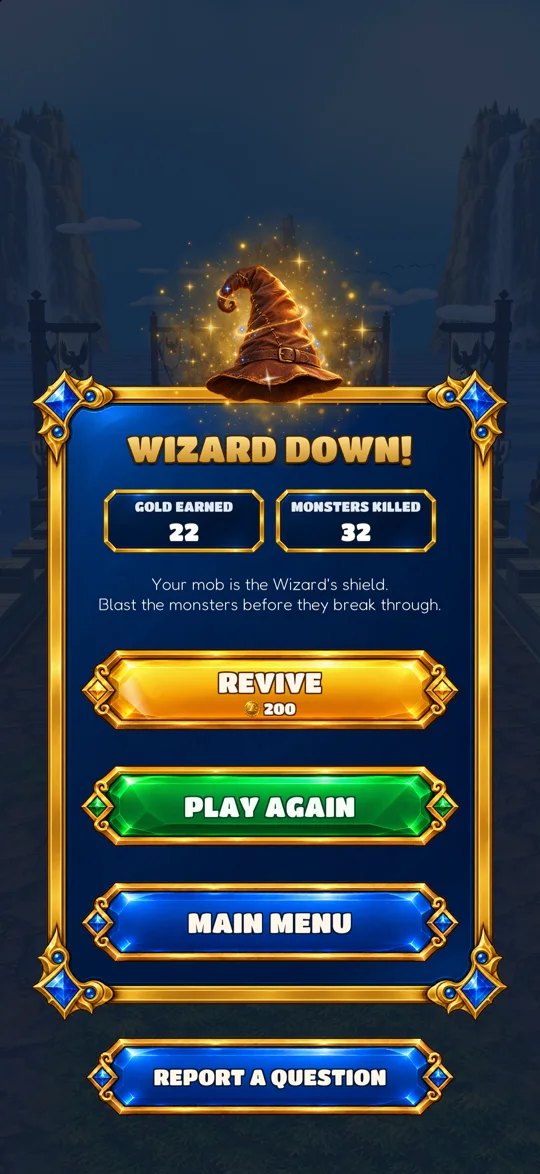
  • Defeat card screen of Wizard’s Mob Run. Revive, play again or main menu, and a way to report a question.

    Defeat card

    Revive, play again or main menu, and a way to report a question.

Design system

Game design system

The shared colours, type and icons used on every screen. The screens in the Design section are built from these parts.

Colour

Primary, secondary and text. Tap a swatch to copy its code.

Brand

  • Primary

    9.6:1 on Navy

  • Secondary

    5.7:1 on Navy

  • Text

Typography

Display: titles, plates, numbers

Wizard’s Mob Run

Titan One --font-display

Body: Latin and Cyrillic

Pick the better door.

Fredoka --font-body

Turkish body text

İyi kapıyı seç.

Baloo 2 --font-body-tr

Language names

Türkçe · Русский

Comfortaa --font-lang

Icons

Menu and settings

  • Music
  • Sound
  • Vibration
  • Language
  • Text size
  • Graphics
  • Controls
  • Reminders
  • Settings
  • Shop

Spells

  • Dragon
  • Blast
  • Nova
  • Turbo
  • Lance
  • Fire
  • Dive
  • Wizard
  • Meteor
  • Thunder

Currency and status

  • Coin
  • Star
  • Locked
  • Hat
  • Pause
  • Share
  • Success
  • Info
  • Danger
  • Next

The Meteor, Thunder, Dragon, Flame, Wave and Wizard Hat glyphs in the game are by Lorc from game-icons.net, licensed CC BY 3.0. I art-directed the painted frames and spell icons.

3D

57 of the 113 3D models, ready to rotate

The game has 113 3D models. Drag any of these 57 to rotate it. I chose every model and generated 24 of them with Meshy (23 props and the dragon). The rest come from free packs, credited on each one.

Loading the 3D viewer.

Dragon

Drag to rotate. Scroll or pinch to zoom. Select the viewer to rotate it with the arrow keys.

Art

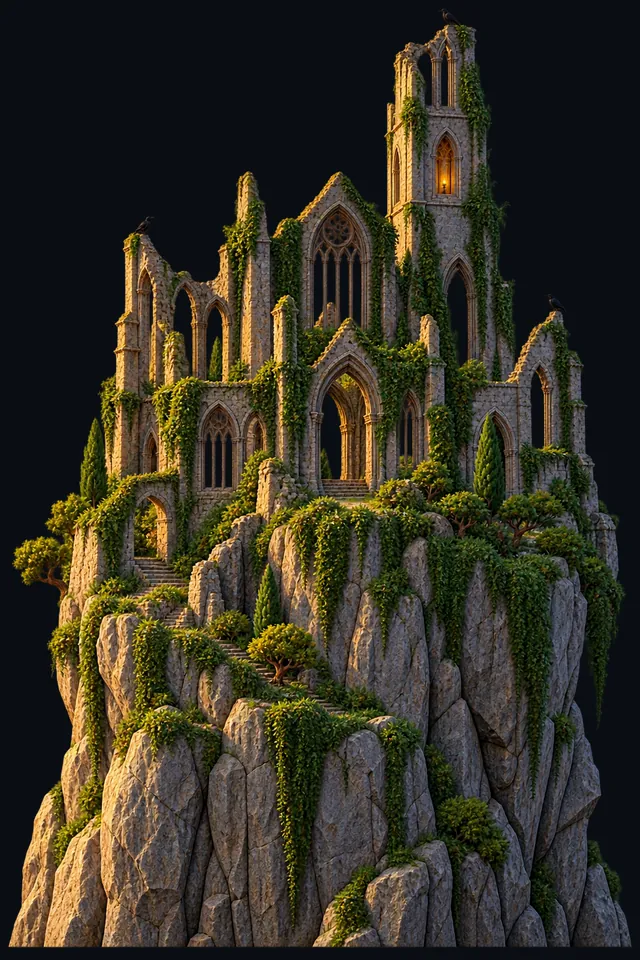
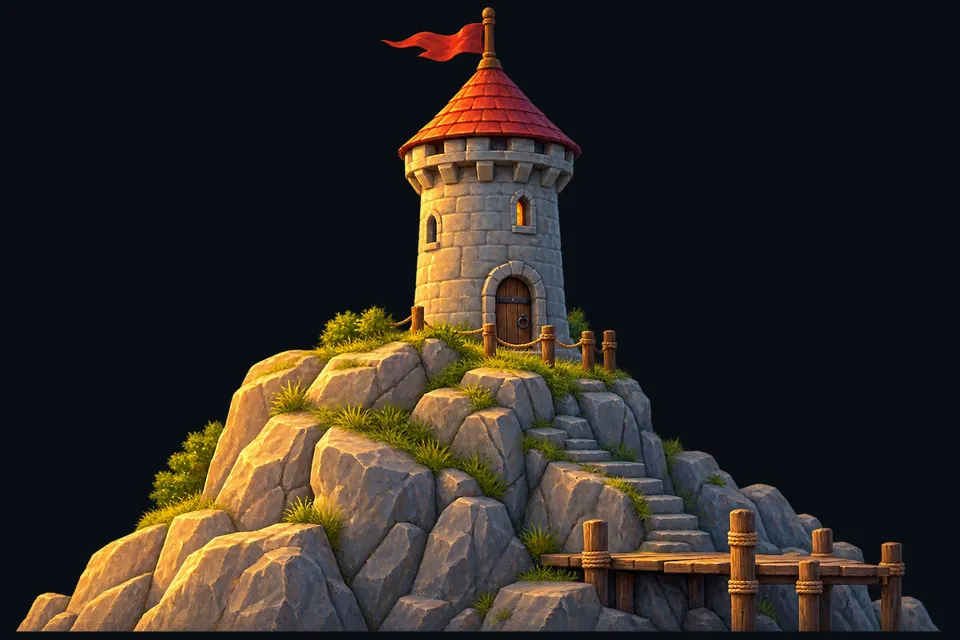
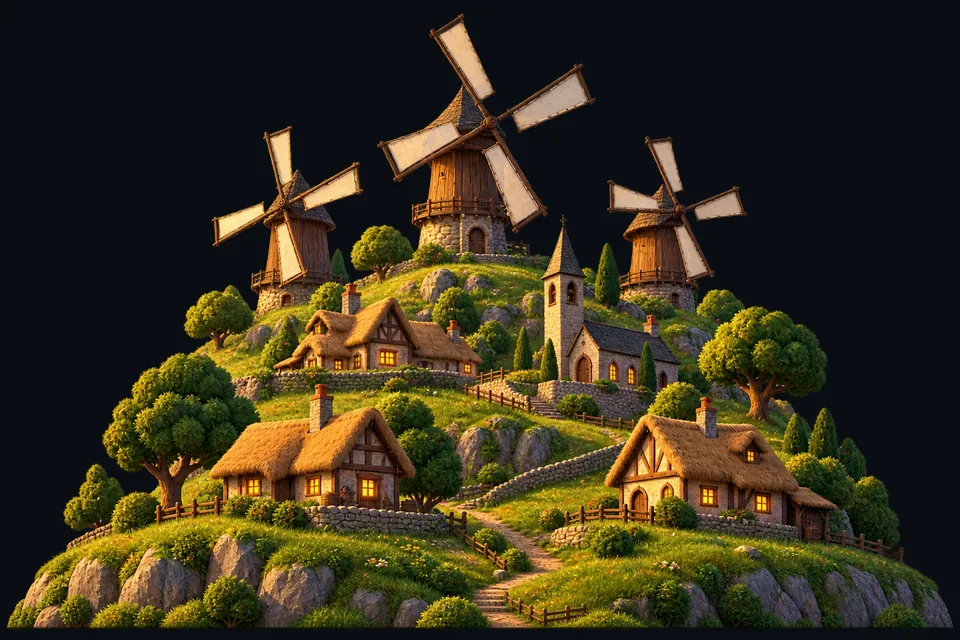
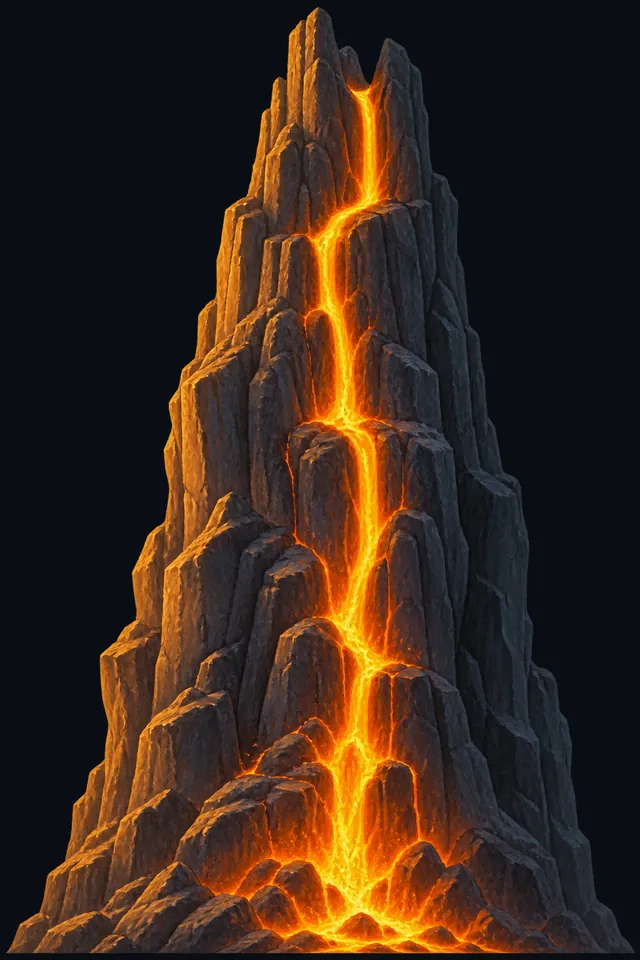
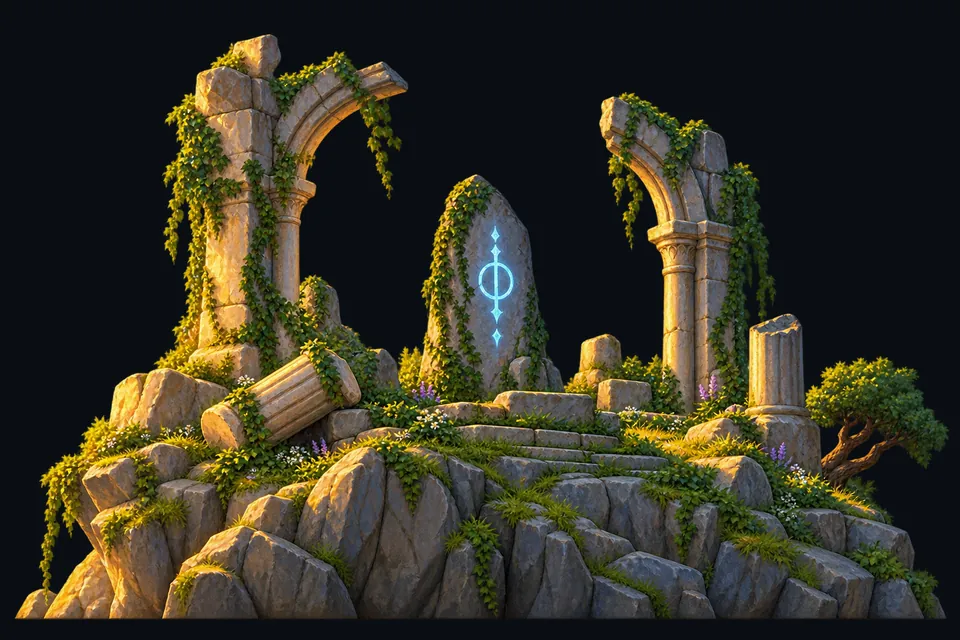
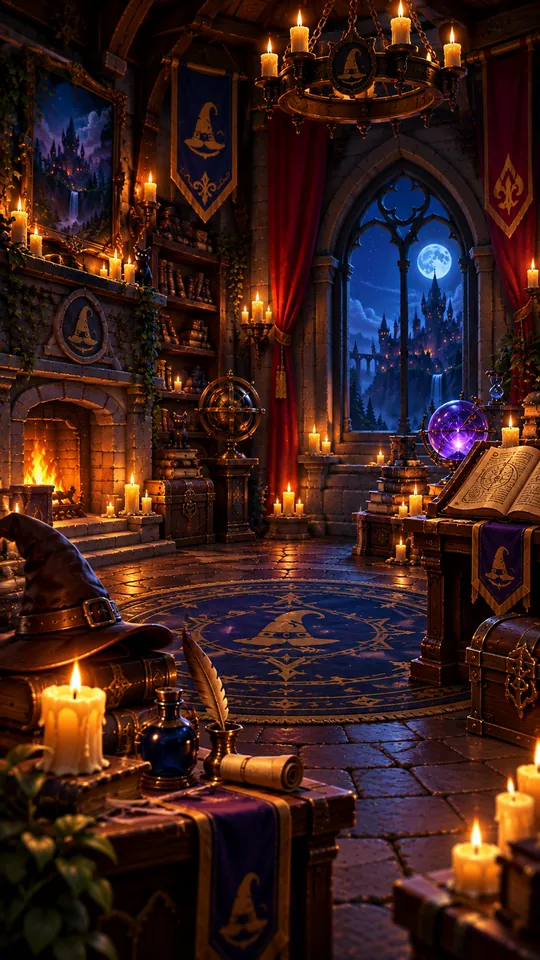
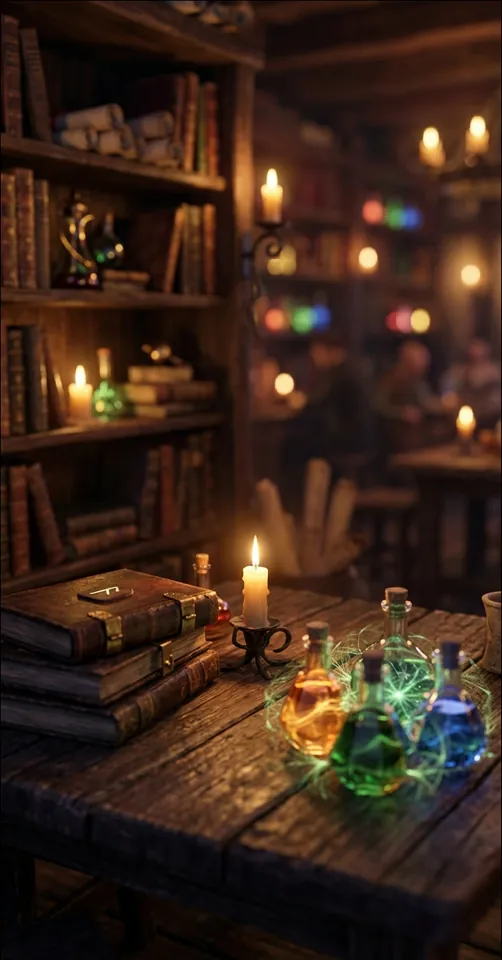
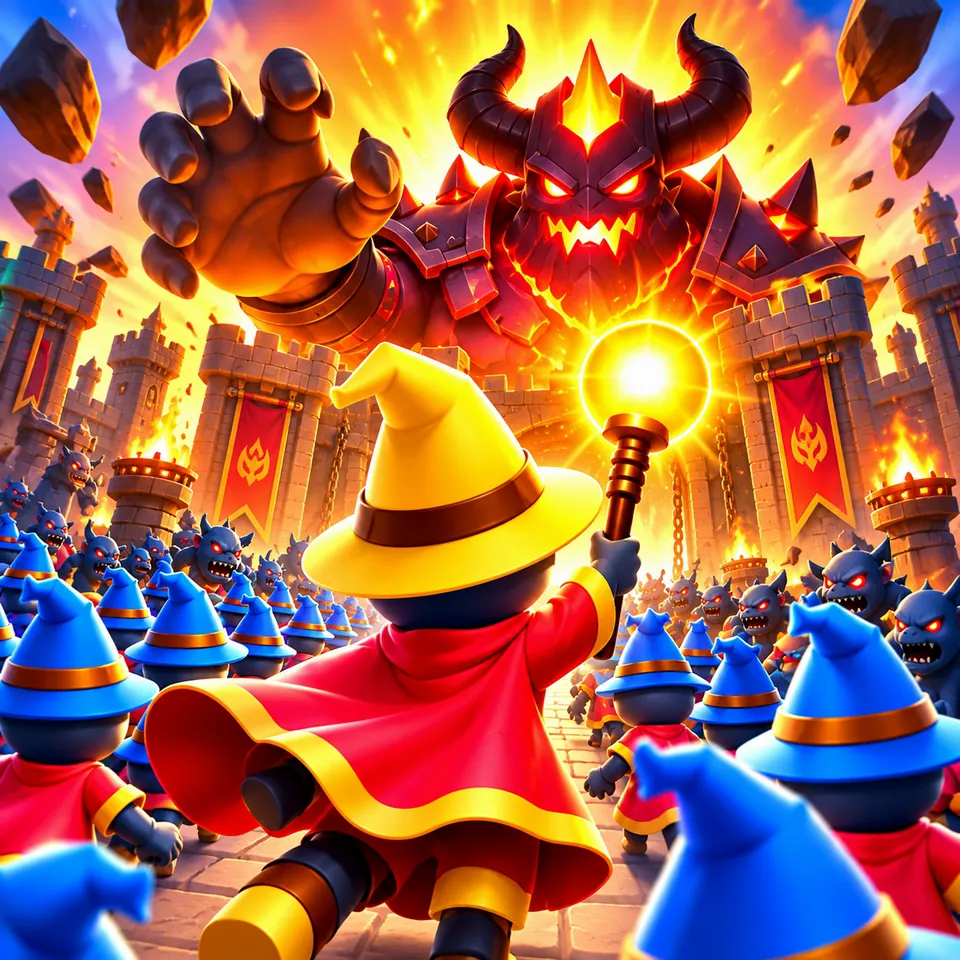
Environment art, 19 pieces

Castles, towers, cliffs and rooms from the game.

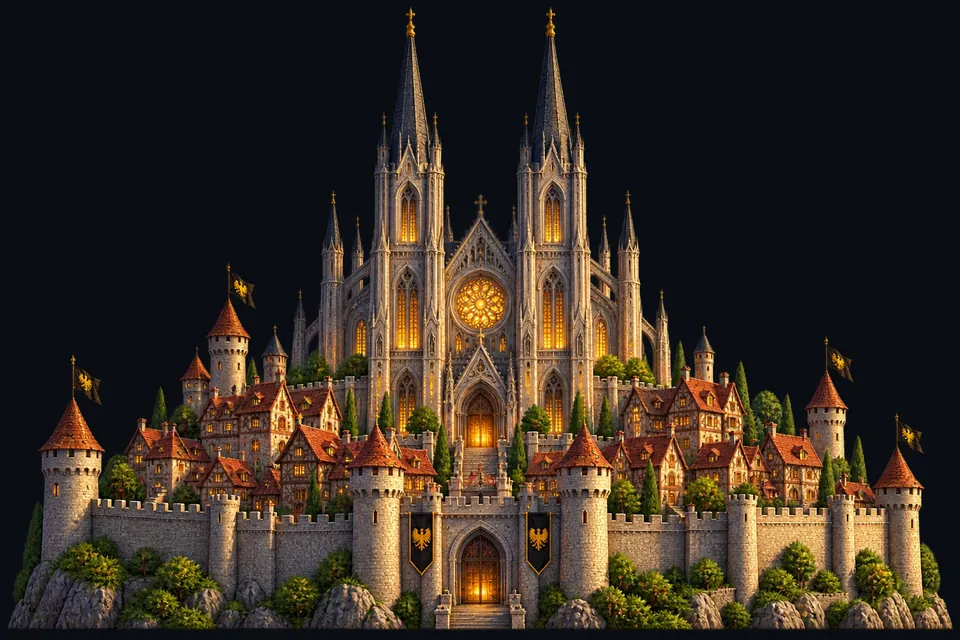
Gothic cathedral castle at dusk

Gothic cathedral castle at dusk

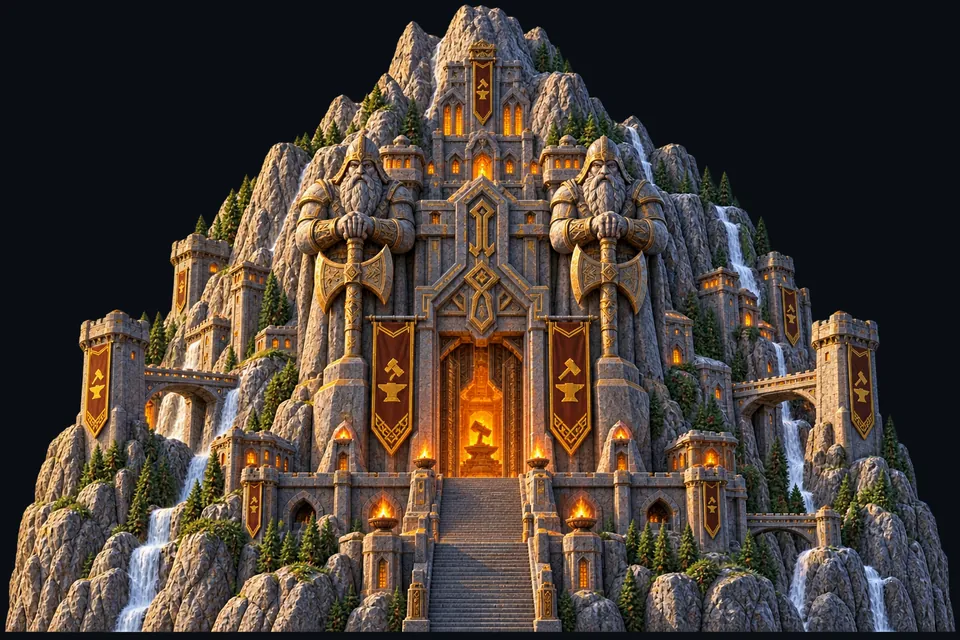
Mountain fortress with waterfalls

Mountain fortress with waterfalls

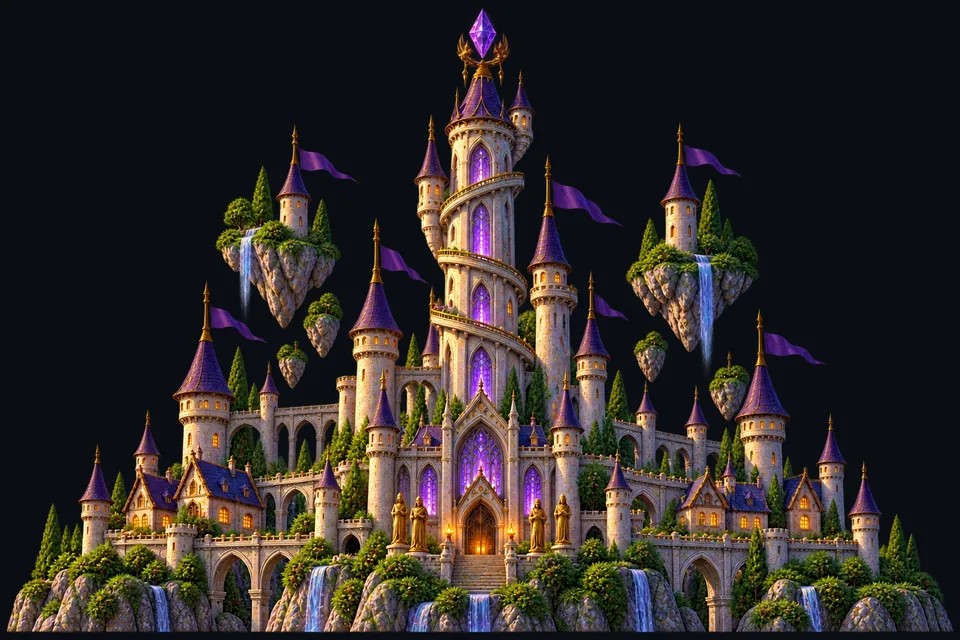
Arcane castle glowing violet

Arcane castle glowing violet

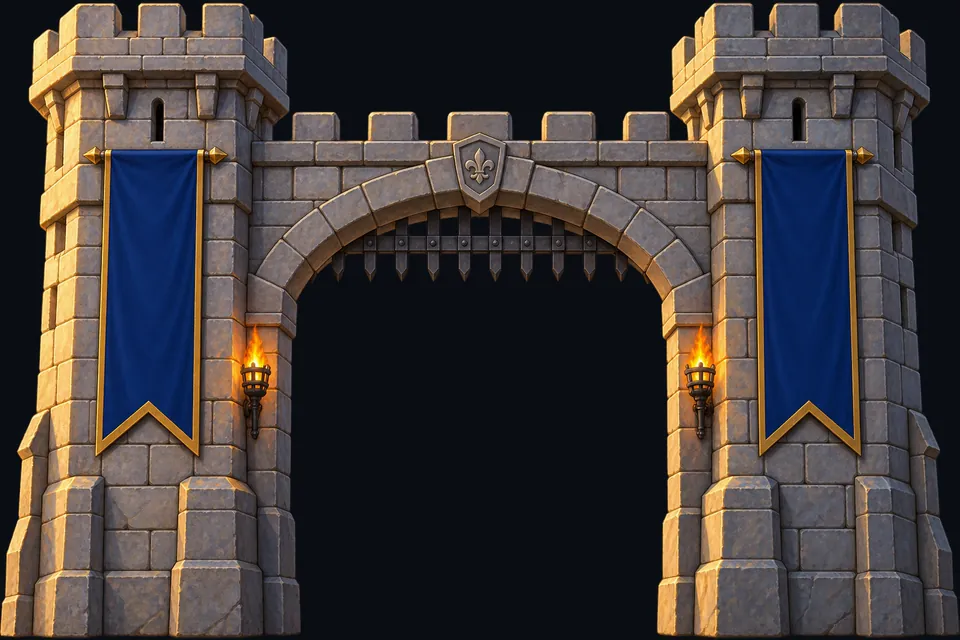
Castle gate with blue banners

Castle gate with blue banners

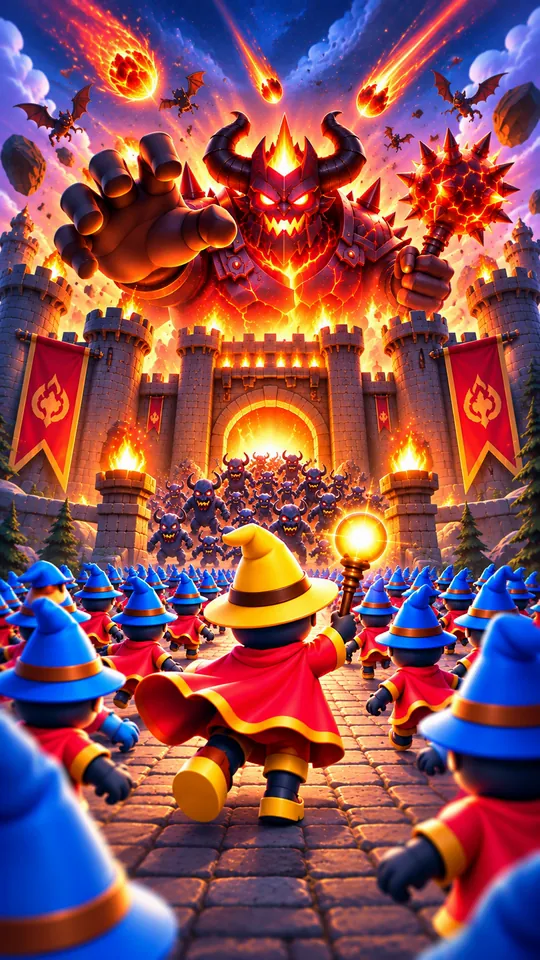
Launch art: the mob at the castle gates

Launch art: the mob at the castle gates

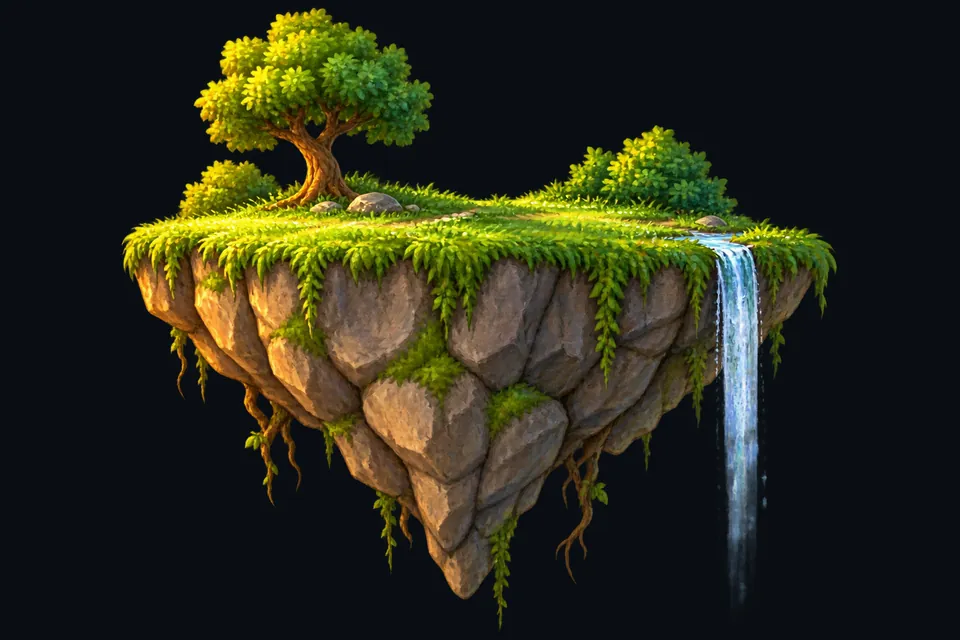
Floating island with a waterfall

Floating island with a waterfall

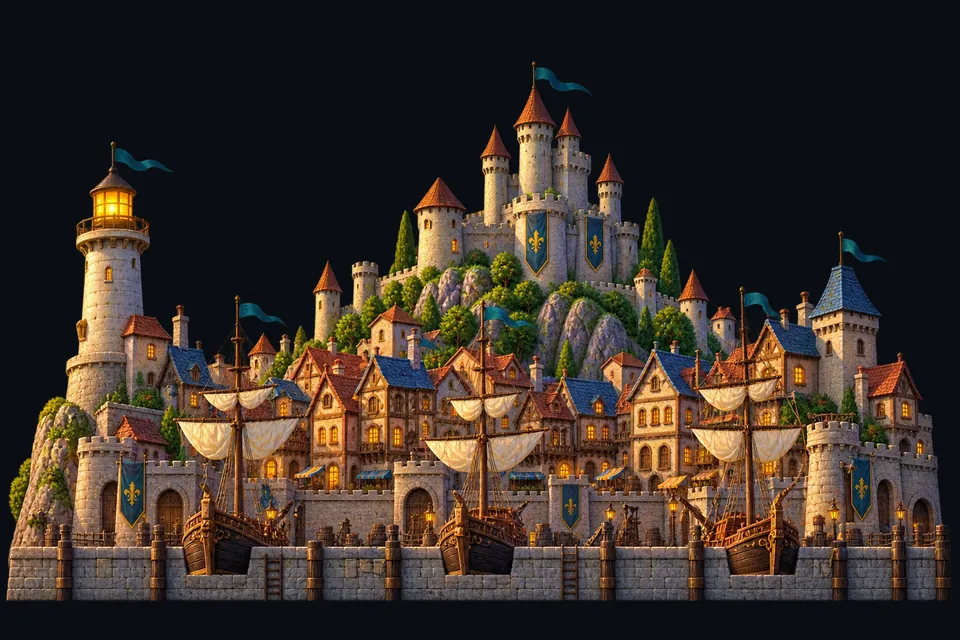
Harbour castle with moored ships

Harbour castle with moored ships

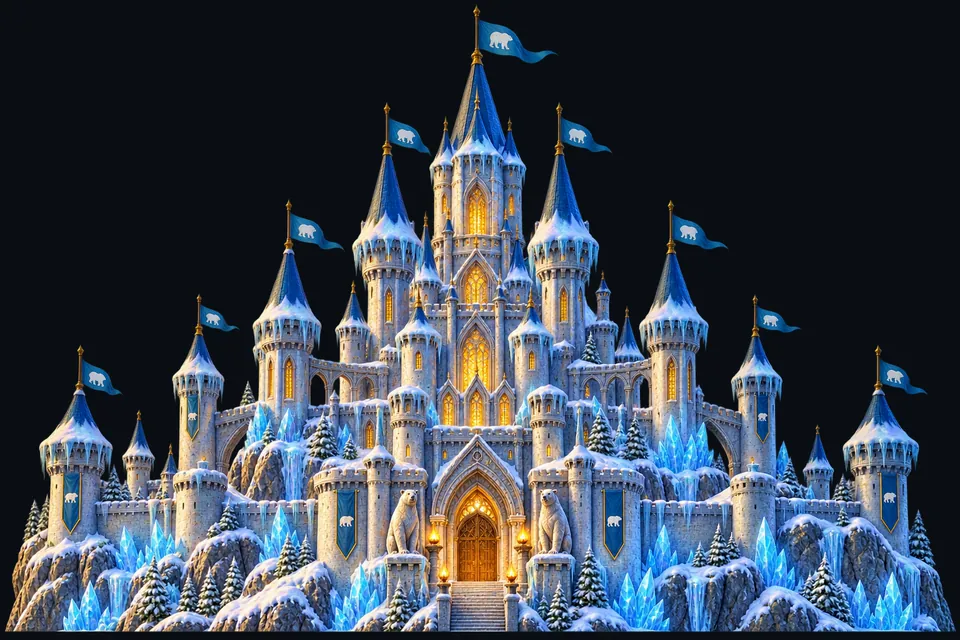
Frozen castle in blue light

Frozen castle in blue light

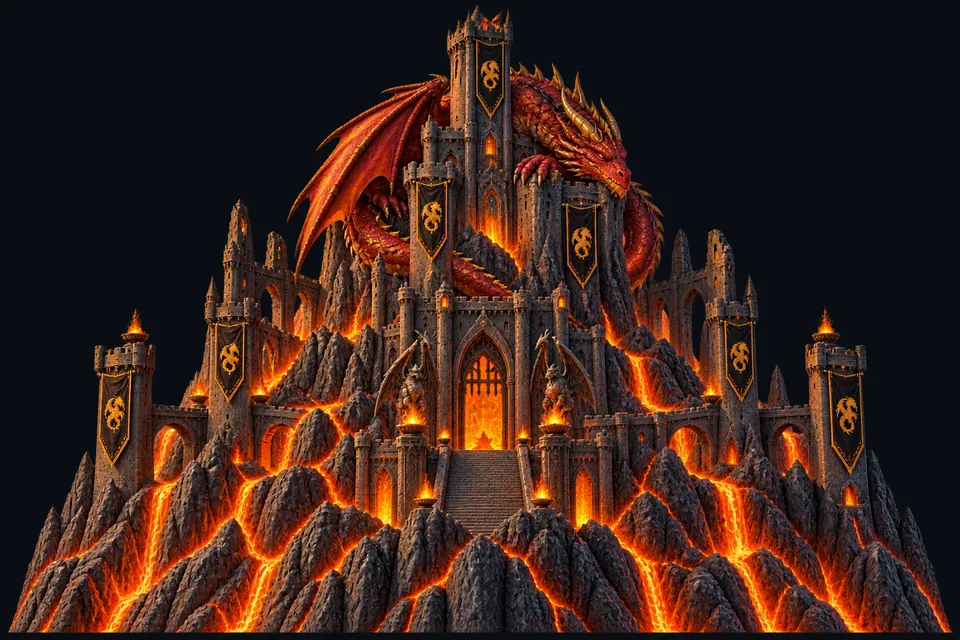
Volcanic fortress on a lava slope

Volcanic fortress on a lava slope

Moss-covered cliff tower

Moss-covered cliff tower

Watchtower on a rocky islet

Watchtower on a rocky islet

Windmill village on a green hill

Windmill village on a green hill

Frozen waterfall cliff

Frozen waterfall cliff

Lava cliff

Lava cliff

Overgrown ruins with a glowing rune

Overgrown ruins with a glowing rune

Wizard study by candlelight

Wizard study by candlelight

Alchemist shelves and potions

Alchemist shelves and potions

Wizard facing the fire demon

Wizard facing the fire demon

Hero and the mob, header option

Hero and the mob, header option

1 / 19

Animation

Animation and motion feedback

Motion helps players notice attacks, damage and rewards. I tuned it in playtests and added a Reduce Motion setting.

  • Animated backgrounds.All eight landmark backdrops in the distance are animated, including moving water and a red volcano. The two plain castle backgrounds stay static. Shared shader effects animate the rest, with simpler versions on slower phones.
  • Movement speed adjustments.A tester said the wizards felt slow. I raised their speed by 15% on 19 Oct, and by about 10% more in the run modes on 22 Oct. Arena keeps its own speed.
  • Motion and performance settings.Reduce Motion turns off screen shake, impact animations and brief hit pauses, and the game lowers its effects when the phone gets hot.
A dragon flies over the gates in a burst of fire while the crowd of wizards runs below.
A big teal boss on the bridge flashes pink when hit, then the words BOSS DOWN appear with slow motion and a shake.

Sound

Sound design

The game uses 81 sounds: 66 sound effects and 15 music tracks, generated with ElevenLabs and chosen by me. Listen to 40 effects and 7 tracks below.

Now playing

Select a sound to play it.

Phase 5 of 7

Develop

AI workflow

How I built the game with AI

I directed development through written briefs, project documentation and automated tests. Claude Code implemented my briefs, and ChatGPT Codex reviewed the code.

  • Write a brief

    For each change I wrote a short brief describing what had to happen and how I would check the result.

    Requirements and how to check them

  • Keep project notes

    I documented design decisions, the design system, the game rules and handover notes, so work stayed consistent from one AI session to the next.

    23 documented decisions · 114 project notes

  • Automate the rules

    I defined the rules and had the AI turn them into automated tests. For example, a new card fails a test if it is missing the shared opening animation.

    8 automated test stages · 240 settings checks

  • Review the code independently

    ChatGPT Codex reviewed the code Claude Code wrote. I checked the findings myself and settled any disagreements between the two.

    15 documented audits

  • Make the assets

    I used ChatGPT for store and key art, Meshy for 3D props, ElevenLabs for sound and voice, and a separate video workflow for the App Store ads.

    23 props · 2 App Store videos

  • Reusable workflows

    I wrote reusable instruction sets, so every AI session started with the same project rules and context.

    265 Markdown files

  • Test on a real phone

    I played every build on my iPhone and checked it in simulators on two iOS versions. A fix counted as done only after I had checked it on my iPhone.

    Every build tested on my iPhone

  • 433C# filesAbout 203,000 lines
  • 161game logic filesTestable without Unity
  • 2,964commitsFrom 17 Jul to 26 Nov 2026
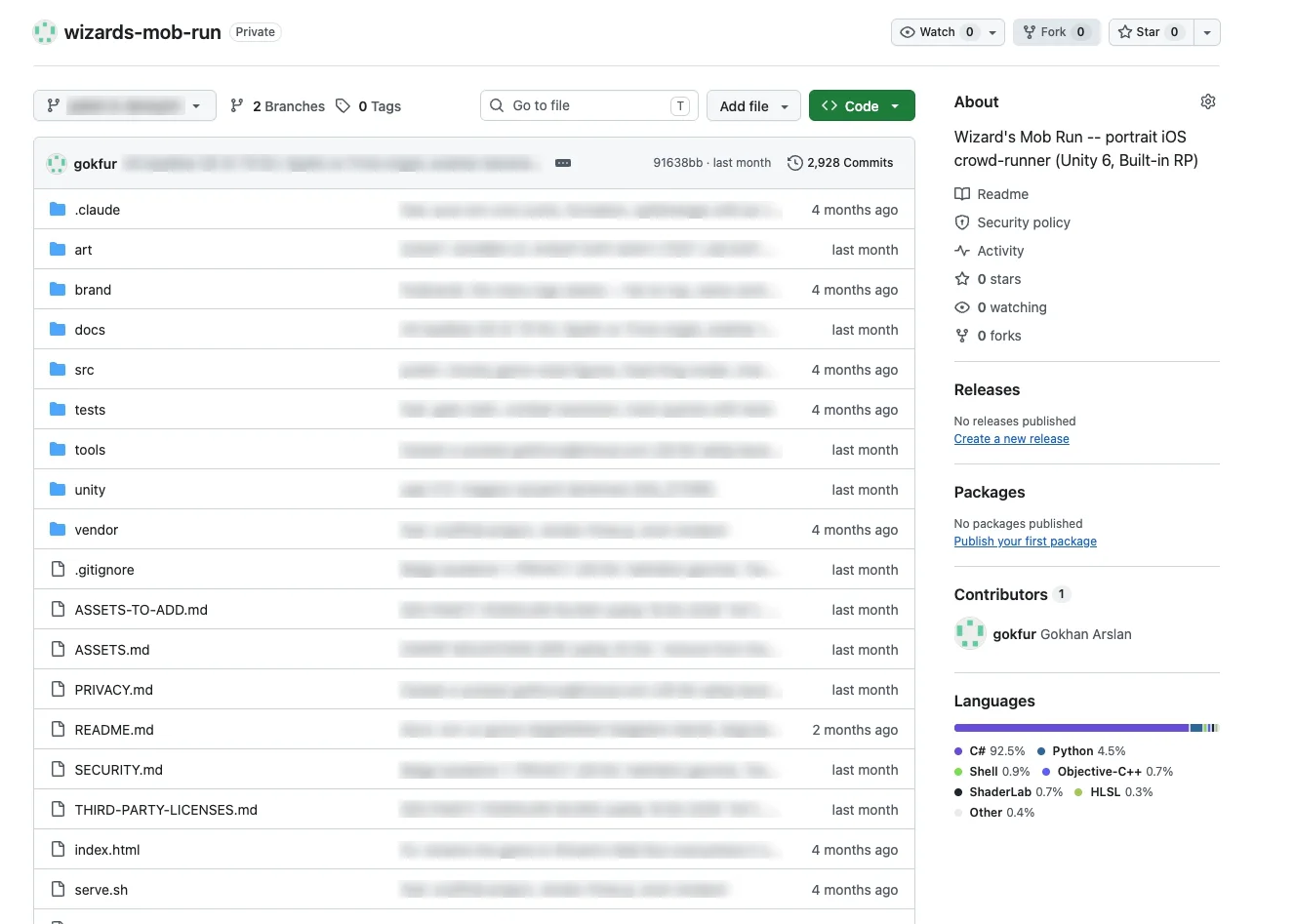
The game’s private GitHub repository, wizards-mob-run: folders for src, tests, tools, unity, docs and art, and a language bar showing C# at 92.5 percent.
The game’s private GitHub repository. It holds the game, the automated tests, the tools and the documentation. The code is 92.5% C#, with Python and shell scripts for the checks.

Challenges

What went wrong and how I fixed it

Nine problems I found during development. I decided each fix and directed the AI coding assistants that implemented it.

The crowd teleported

Usability
Challenge
Players said steering felt like the crowd “teleported” and was “not smooth”. All three complaints had the same cause: the crowd jumped to the player’s touch position while wind was also moving it.
What I did
I switched to grab and drag: touching the screen no longer moves the crowd, and the crowd follows the distance you drag.
Result
I received no further complaints about steering, and the new controls became the standard for the game.

10 Aug 2026

The gate hid the king

Research
Challenge
The gate frame swept over the king and the crowd for about a second. My first idea was to raise it by one metre.
What I did
I measured 12 candidate gate shapes across 5,532 camera cases. Raising the gate increased how much of the king it covered from 62% to 93%, and a pointed arch reached 100%, because the camera ends up under the gate. I also rejected a lift animation.
Result
I removed the solid stone above the lane. The most the gate covered the king fell from 62.2% to 14.2%, and the average from 13.9% to 2.4%.

19 to 20 Sep 2026

“Too small to tap”

Accessibility
Challenge
While testing build 160 on my phone, I found many controls too small to tap, even though they all met Apple’s 44 pt touch target.
What I did
The visible controls were only 28 to 45 pt, so they looked smaller than their touch areas. I increased the visible size of each affected group of controls.
Result
Visible sizes now: shop tabs 69 × 60 pt, settings switch 109 × 36 pt, pause buttons 283 × 62 pt. I check the visible size and the touch area separately.

13 Sep 2026

One long label broke the layout

Localization
Challenge
In German and French, one long label, REVIVE · 200 GOLD, made the whole button group use a smaller text size.
What I did
For this group I made the component bigger instead of shrinking one label. Labels with the same role now share one size.
Result
One label size per group, and every card button now shares the same size.

11 Sep 2026

An audit that measured the wrong thing

AI direction
Challenge
My text-overlap check measured text boxes, not the visible letters. Of five reported overlaps, four were false: the boxes overlapped, but the letters did not.
What I did
I directed the AI to rewrite the check so it measures the visible letters, and I tested the checker itself against known cases.
Result
The one real overlap, a shop label, only showed up in the new check.

3 Oct 2026

Turkish letters in the wrong font

Localization
Challenge
A player screenshot showed GİZLİLİK with a wrong, thin I. A font scan found that Titan One lacked İ, and Fredoka lacked İ Ş ş Ğ ğ, so iOS replaced those letters with a system font.
What I did
I directed the creation of the missing letters from each font’s own outlines and added a font check to the language tests.
Result
Turkish text now renders in the game’s own fonts.

11 Sep 2026

Setting content rules for trivia

Content design
Challenge
After one trivia question on an unsuitable topic got through, I saw that the trivia review needed written rules.
What I did
I set the rule that every question must suit kids and grown-ups and respect every religion and country. I replaced 116 questions: 42 about animals, 30 about space and 44 about arts and crafts.
Result
The question bank now follows written content rules.

24 Oct 2026

Keeping test tools out of the store build

Systems thinking
Challenge
Developer testing tools could have been included in the public release, and the hidden test gesture was hard to discover.
What I did
I separated the test build from the store build, removed the developer tools from the store build and added a check that scans the finished app.
Result
The check finds none of the 56 developer-only strings in the store build, across 2 files and 2 text encodings.

29 Oct 2026

Too hard at the start

Usability
Challenge
When I played the game after launch, the first Trivia levels felt too hard and the training cards came too fast.
What I did
I added very easy questions, simpler math in levels 1 to 3 and at most five training cards per level. Three separate AI reviews checked the wording and facts.
Result
The update passed all 184 test suites and was live within 12 hours of submission.

8 to 9 Nov 2026

1 to 2 of 9

Optimization

How I optimized the game

To keep runs smooth on phones, I measured performance, fixed the biggest slowdowns and measured again. Most numbers come from the iOS Simulator; the iPhone 14 results are from a real phone.

  • 402draw calls on level 4Down from 1,630, in the Simulator. Less rendering work per frame
  • 64 µsfirst play of a soundDown from 3,584 µs, in the Simulator. Every sound effect is preloaded
  • −32%script time per frame700 → 473 µs, in the Simulator. Less processing per frame
  • 60 fpsaverage on a real iPhone 14Arena, Trivia and Campaign level 100, on the phone itself
  • Faster bridge railsLevel 4: 1,630 → 402 draw calls

    Unity could not batch the bridge rails, so I switched them to instanced rendering, which draws the repeated pieces together. Render time fell from 5.2 to 3.75 ms.

  • Rendering visible objects onlyLevel 40: 1.78 M → 1.56 M triangles

    Objects outside the camera’s view are skipped (culling).

  • Lighter sceneryFar monsters: 1.26 M → 1.12 M triangles

    Shadow distance went from 90 to 60 m and water rendering from 3.70 to 3.55 ms, with no visible difference in my tests.

  • Smaller texturesDragon: 8.39 MB → 2.02 MB

    Texture compression, with no visible loss.

Simulator numbers come from the iOS Simulator, mostly an iPhone 17 Pro, and do not equal phone times. The real phone runs used build 190 on an iPhone 14 with Low Power Mode on.

On a real iPhone 14
ModePlayed forAverageWorst frame
Arena61 s60 fps48 ms
Trivia190 s60 fps64 ms
Campaign, level 100129 s60 fps45 ms

Localization

Built for ten languages

Layouts for longer translations

German and French had the longest translations in this game, so every component had to fit them. These are the App Store screenshots in all ten languages.

English store screenshot: a crowd choosing between a green and a red gate
English store screenshot: a trivia question with two answer doors
English store screenshot: a spell effect during a run

Phase 6 of 7

Test

Quality assurance

Testing and release checks

The tests and checks required before each App Store release.

  • 184test suitesRun by one script, plus a compile check of six build configurations
  • 240 of 240settings checks passedAn automated test taps every settings control
  • 34screens checkedOn five device sizes, for text that does not fit
  • 0test strings in the store build56 strings × 2 files × 2 encodings, scanned in the binary
  • 44builds uploaded to Apple17 Aug to 8 Nov, for private TestFlight testing
  • 500+fix commitsCode changes labelled as fixes

Major bugs and fixes

Severity levels are an AI assistant’s estimate from the recorded fixes. Challenges above also covers the steering, Turkish font and test tool bugs.

Major bugs, with severity, cause and date
BugSeverityWhat happened and the fixWhen
Boss defeated off screenCriticalThe end-of-level boss could be beaten off screen from the start of a run, so players reached an empty finale. The bug returned three times before all boss damage was handled in one place.17 Aug 2026
A magenta worldHighA render-scale and anti-aliasing mismatch turned 84% of the frame magenta. I reproduced it with a testing tool and directed the rendering fix. It occurred only in the simulator.12 Sep 2026
Physics errors on every cannonballMediumThe physics module was left out of the build, so every cannonball, bridge and dive shadow logged an error. Fixed in build 191.19 Oct 2026

Checks before every release

  • One script runs 184 test suites, and a second compiles six build configurations
  • An automated test taps every settings control
  • A layout check covers five device sizes, using German for the longest text
  • A release scan checks the store binary for developer-only test strings, and a release checker compares the record with the archives
  • Every check must pass before a store build. One full run caught seven failures, such as Russian door labels that were too wide and questions too long for two lines

Test devices

  • Performance is measured against one real phone, an iPhone 14
  • Every build is installed on 23 simulated devices across two iOS versions

Accessibility

Accessibility design and testing

I used WCAG 2.1 and Apple’s accessibility guidance to define the requirements below and test them.

  • WCAG 2.1
  • Apple accessibility labels
  • Touch target size

The guidance I followed

  • How I built it in.I defined accessibility requirements from WCAG 2.1 and wrote a reusable instruction set that has the AI check every screen against them. I also tested by hand.
  • Text and control contrast.WCAG 1.4.3 and 1.4.11: automated checks test the UI kit against 4.5:1 for text and 3:1 for buttons and controls.
  • Gates show numbers, not only colour.WCAG 1.4.1: each gate shows its number, so players do not need to tell green from red to choose.
  • Screen shake and impact effects can be reduced.WCAG 2.3.3: the game follows Reduce Motion, which turns off screen shake and impact effects that can cause discomfort.
  • Control size and touch targets.WCAG 2.5.5 and Apple’s 44 pt guidance: I enlarged the visible controls as well as their touch areas, and I check the two separately.
  • App Store accessibility labels.I declared Reduced Motion on the App Store after checking it works across the game’s common tasks, which Apple requires before a feature can be declared.

Phase 7 of 7

Deliver

Launch

App Store release

I prepared the store assets and set the age rating and availability.

Store screenshot rules

I replaced the first screenshot set with live gameplay only, wrote new rules and directed 200 new screenshots: 10 for each language, on iPhone and on iPad.

  • 10 screenshots per set, live gameplay only
  • Attack effects must not cover the crowd
  • No visual defects around the display cutout or screen edges
  • The interface in the language of each screenshot set
Price
Free
Availability
173 countries
Age rating
9+
Category
Games, with Education as the second category
Subtitle
Crowd Runner: Spells & Trivia

Before and after

What changed, side by side

Drag the line, or use the arrow keys, to compare the first version with the shipped one.

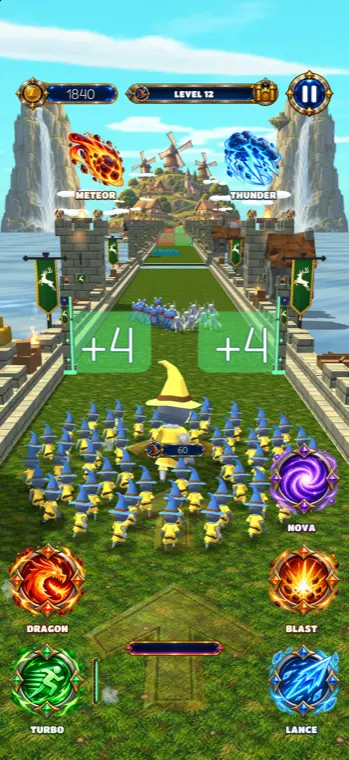
Before: Two green gates, plus 4 and plus 4: there is nothing to choose.After: One green gate and one red gate: every pair is a real choice.

Store screenshot: the gates

Before
Two green gates, plus 4 and plus 4: there is nothing to choose.
After
One green gate and one red gate: every pair is a real choice.

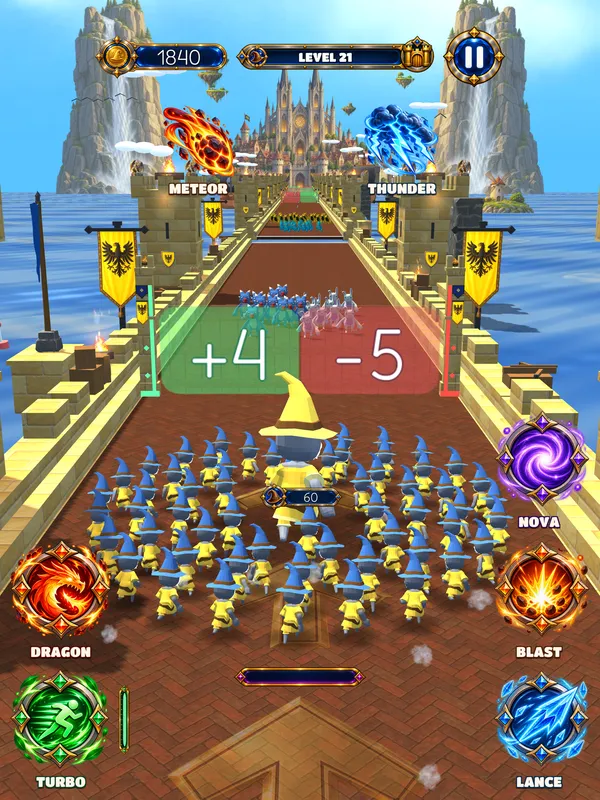
The first store screenshot set had gate pairs with two green gates. I replaced the set and wrote a rule: one green and one red gate in every pair, never two green.

Outcomes

Release milestones and next steps

  • 173countriesAvailable on the App Store
  • 3releases1.0, 1.0.1 and 1.0.2 in ten days
  • 5★first App Store reviewsBoth reviews so far give five stars

The first two App Store reviews

  • Fun and real

    “I’ve been having a really good time playing Wizard’s Mob Run. The gameplay is fun, and I love how it keeps you entertained without getting boring. The trivia feature is a really nice addition because it adds something different to the experience and makes the game even more interesting. Definitely a game I’ll keep coming back to!”

    App Store review · Canada · 3 Nov 2026

  • “I came across an ad for this game and honestly wanted to see if it was actually as good as it looked. I was curious, so I decided to give it a try myself. So far, I’ve been pleasantly surprised! It’s fun, engaging, and has an educational side to it as well. I also think it’s a nice game for kids because they can learn new things while having fun. Glad I decided to give it a chance!”

    App Store review · Canada · 3 Nov 2026

What I will measure next

  • Where new players stop progressing through the levels
  • How much time players spend in Trivia
  • Which App Store screenshot set leads to more downloads
  • How often players tap share or review after a win
  • Whether players learn from the questions

On the App Store

Published App Store screenshots

The screenshots on the product page for iPhone and iPad. Each set has 10.
Screenshot 1: a cover collage titled Choose Your Adventure with the Campaign, Trivia and Arena modes.

Cover
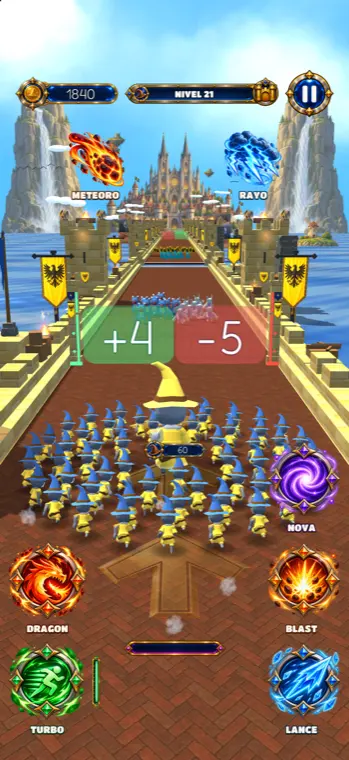
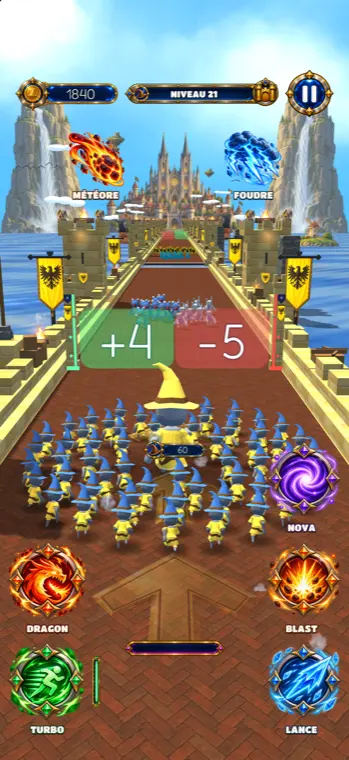
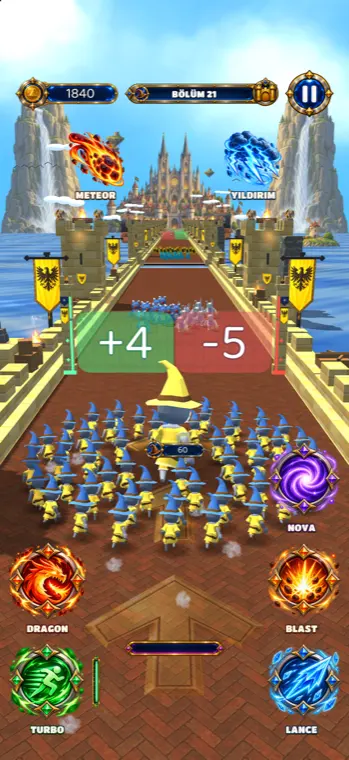
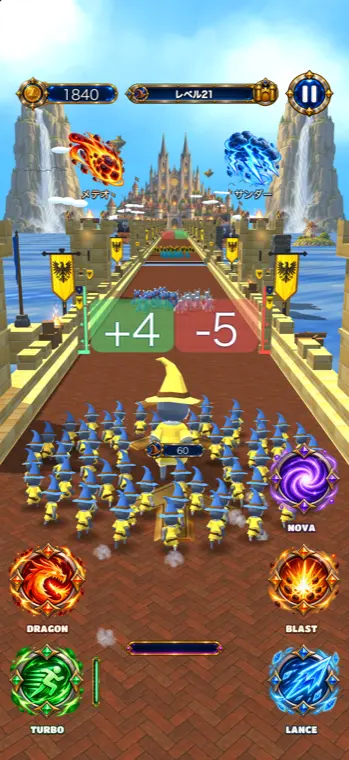
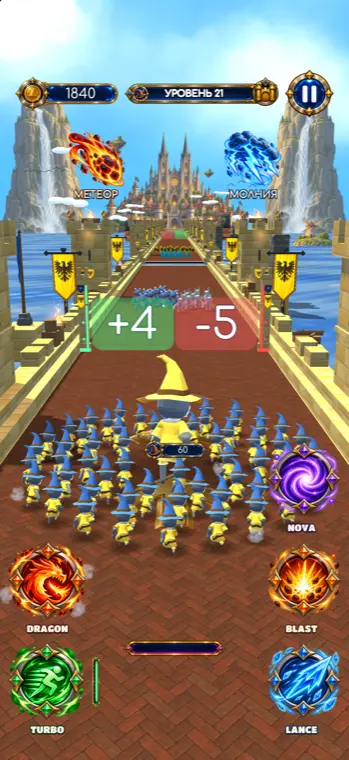
Screenshot 2: a crowd choosing between a green plus 4 gate and a red minus 5 gate.
One green, one red
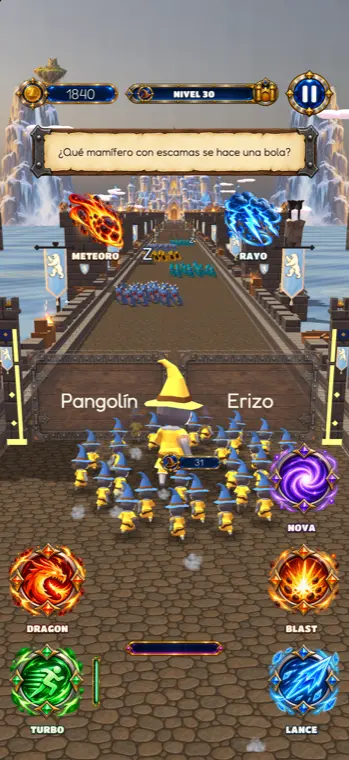
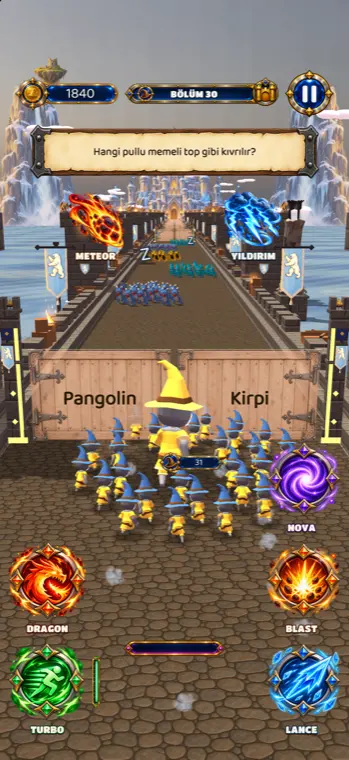
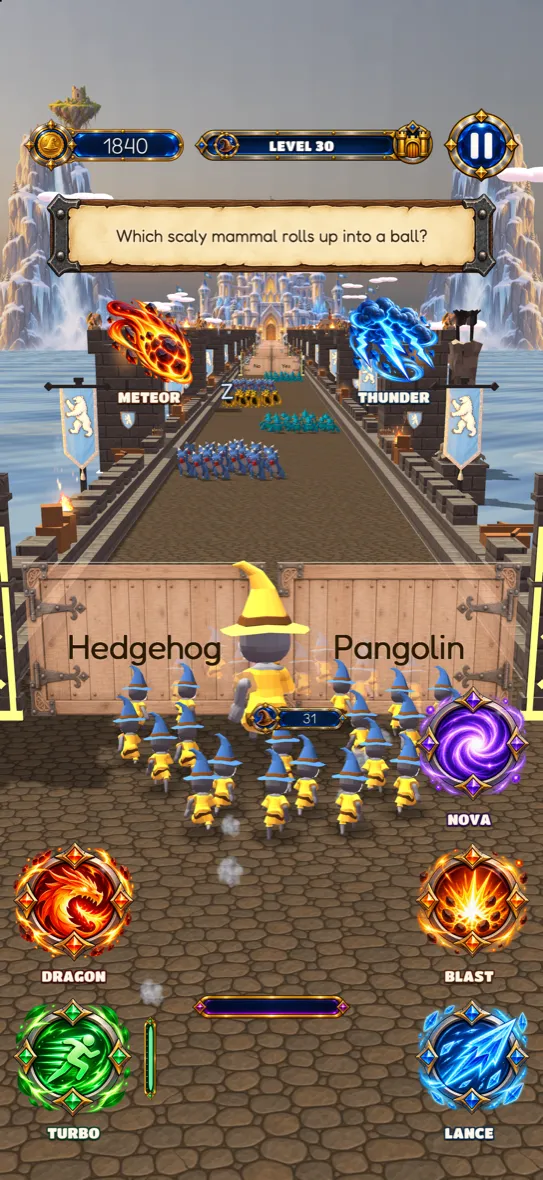
Screenshot 3: a trivia question about a scaly mammal with the doors Hedgehog and Pangolin.
Trivia, shown early
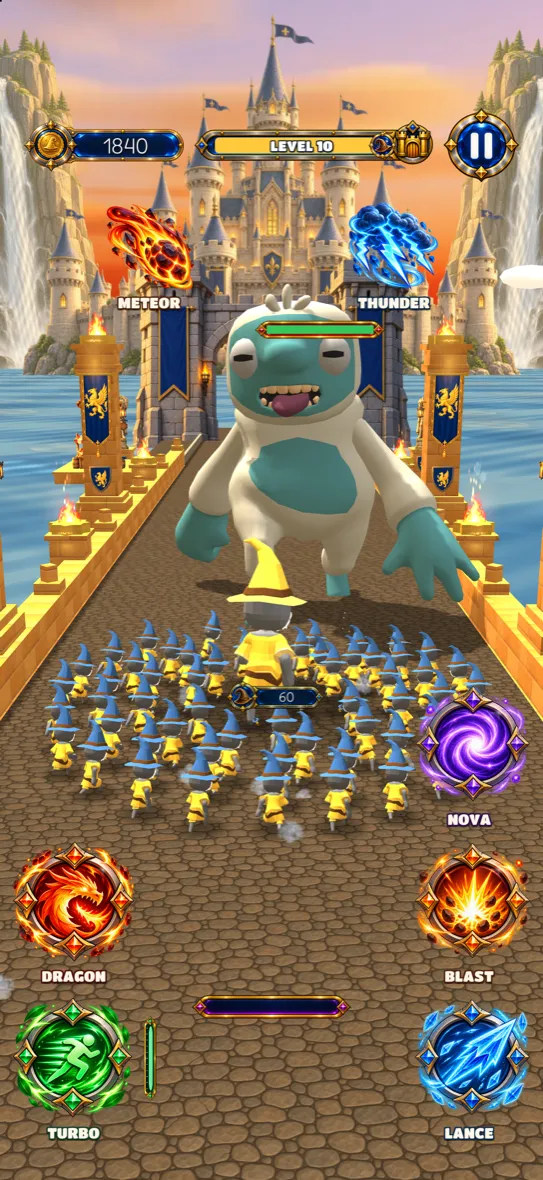
Screenshot 5: a huge teal boss at the end of the bridge.
The boss
Screenshot 7: the wizard crowd fighting a wave of monsters in the arena.
The arena

The trailer

The App Store trailer

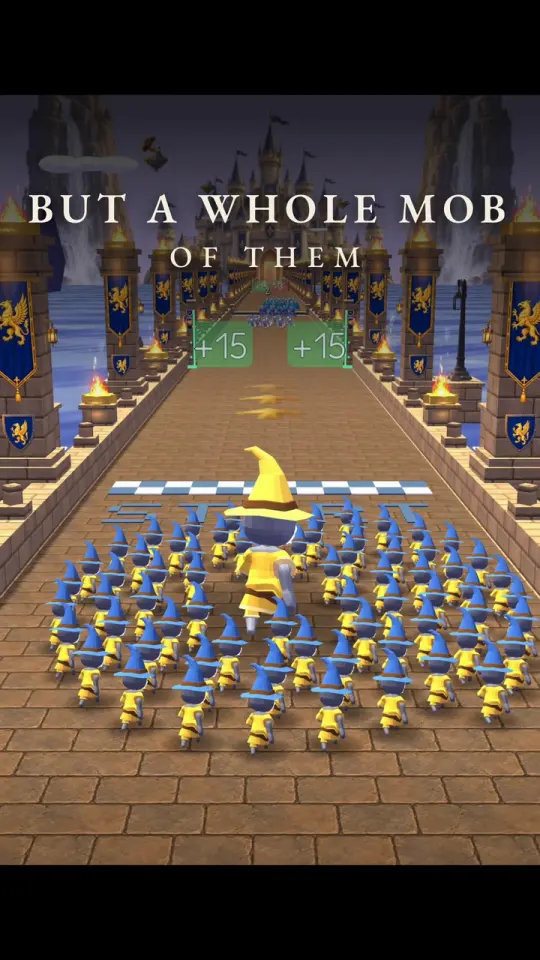
A 15-second vertical trailer with music and sound effects. The words One wizard, but a whole mob of them, appear over a crowd of wizards running across a bridge. Spells go off, a boss falls, and the words 100 levels and 4 modes follow. It ends on the game icon with an App Store badge.

Download the game

Wizard’s Mob Run on the App Store

Free to download. Or scan the code with your phone’s camera.

Download on the App Store (opens in a new tab)
QR code that opens Wizard’s Mob Run on the App Store
Scan to open the App Store